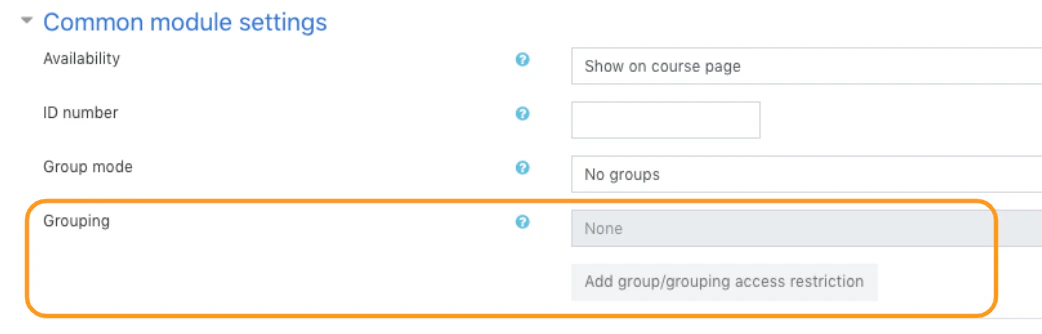
Accessing common module settings
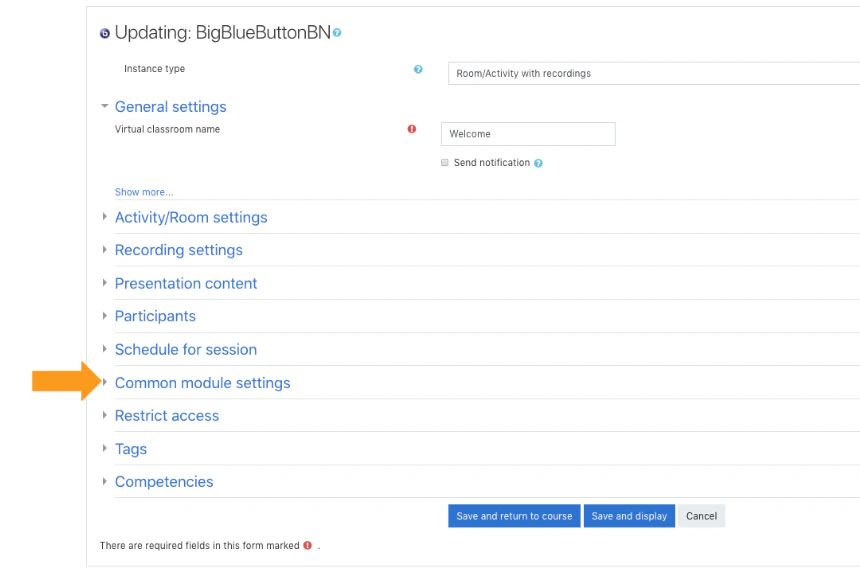
- Set room/activity availability
- Set an ID number
- Enable group modes
- Enable grouping
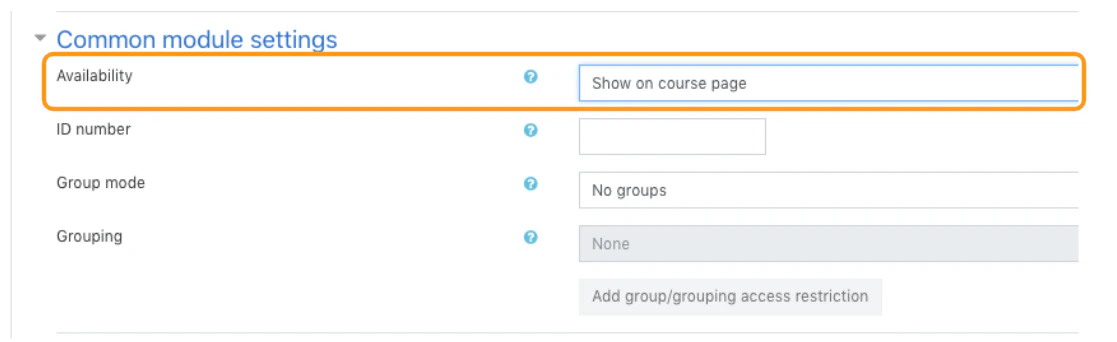
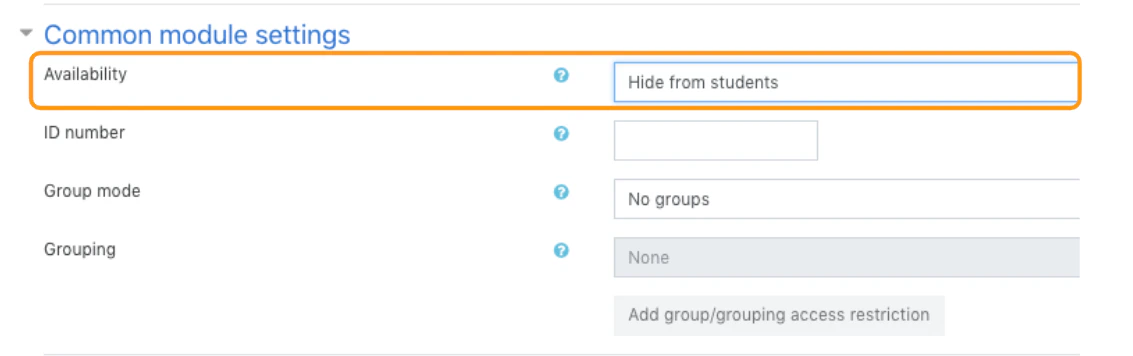
Setting the availability of a room/activity
Setting an ID number
Setting an ID number provides a way to identify a specific room/activity or resource for purposes such as grading or custom reporting.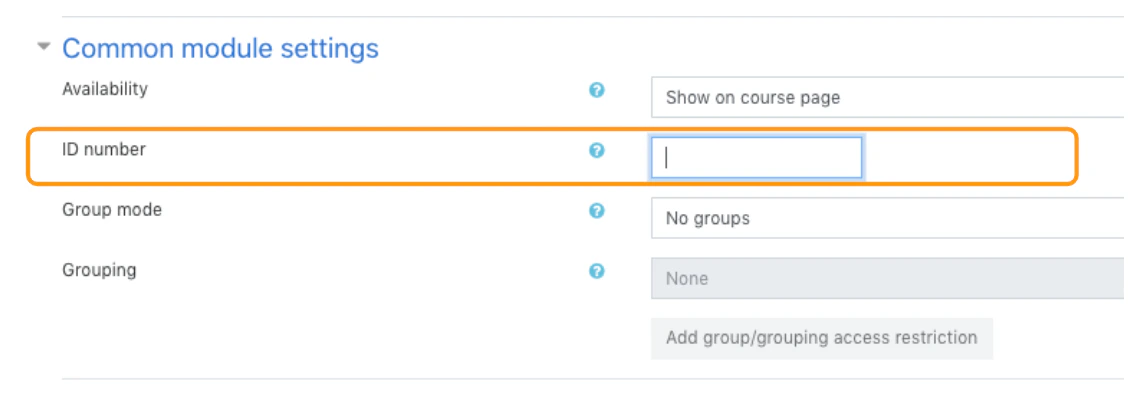
Enabling group modes
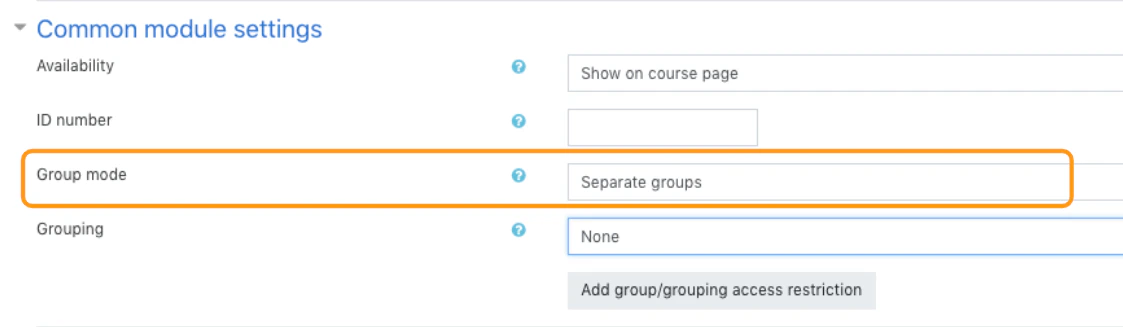
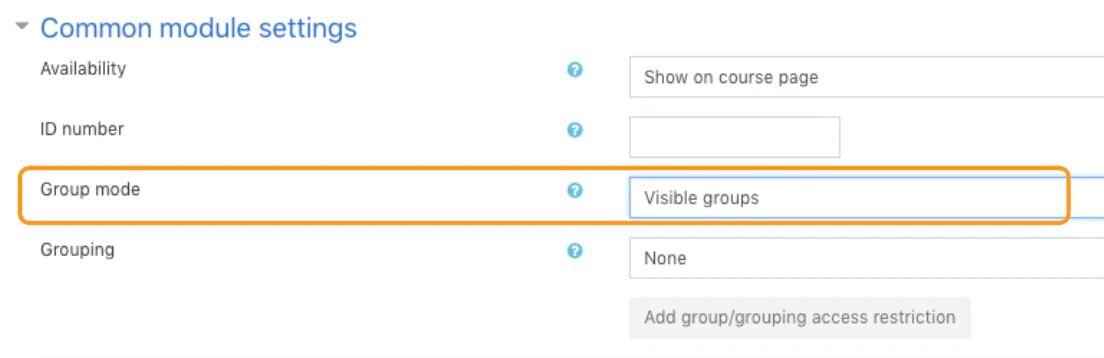
Group modes is defined at the course level and is the default mode for all activities within the course. Each activity that supports groups can also define its own group mode, however, if the group mode is forced at the course level, the group mode setting for each activity is ignored. There are three modes within the group modes: No groups
Enabling grouping
Grouping is a collection of groups within a course.