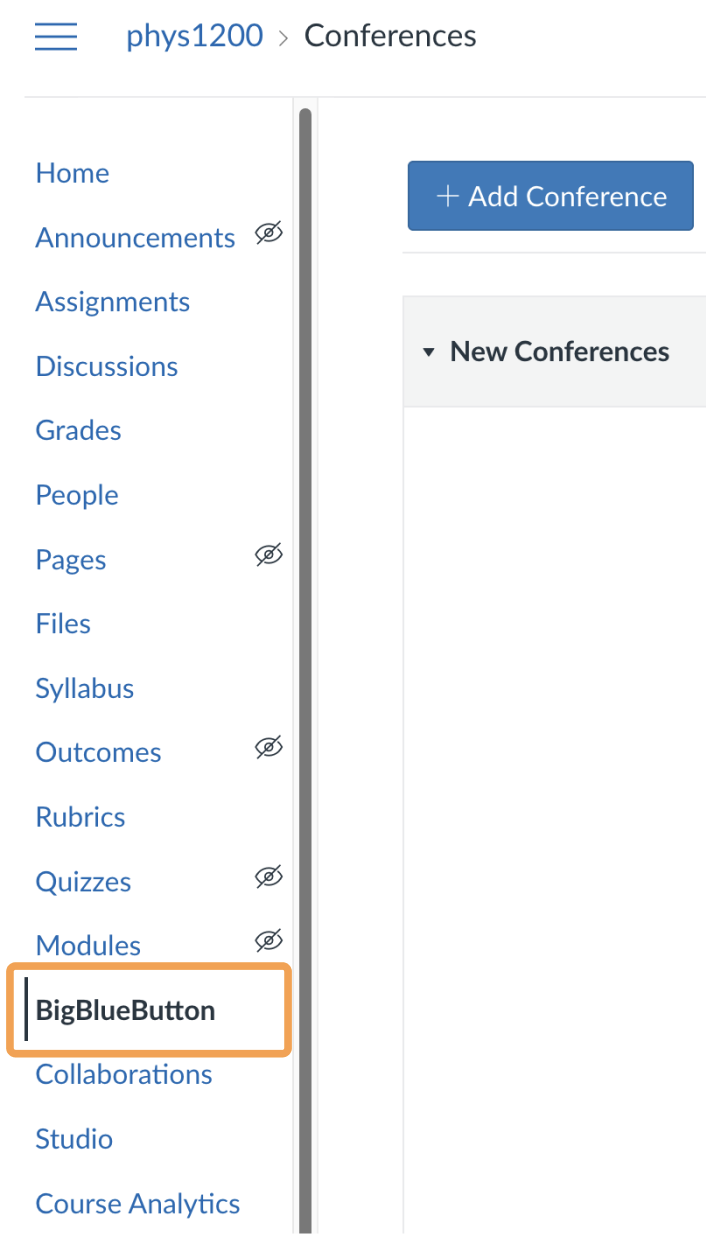
Instructors can delete new and concluded Conferences in Canvas, which also removes the Conference and its associated recordings from the server.
Instructors can delete both new and concluded Conferences in Canvas. Deleting a concluded Conference also immediately removes the Conference from the server, along with all associated recordings.