Conferences created to be long running (no end time) can be edited manually to include late registrants.

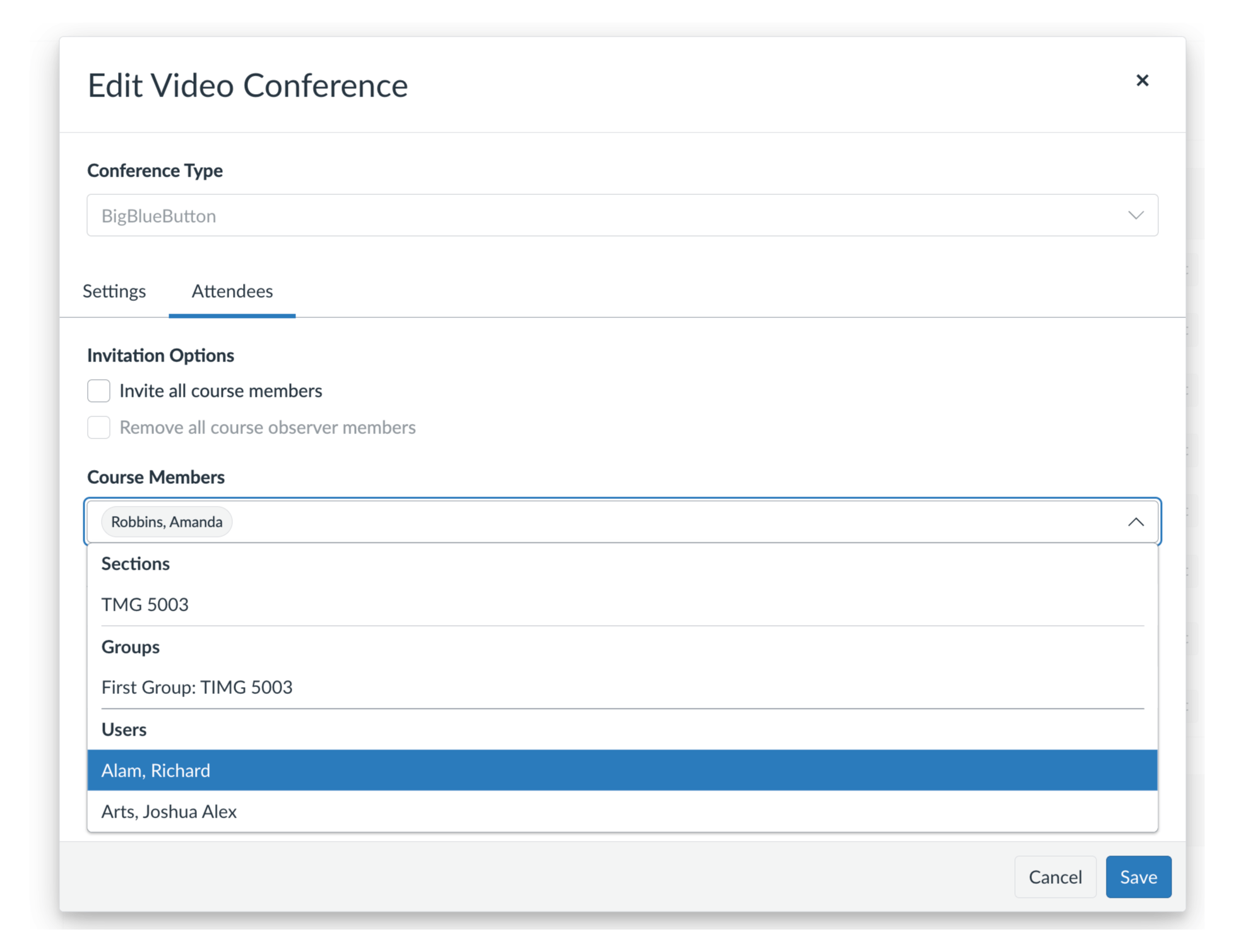
If a Canvas BigBlueButton Conference activity has already been created and students are registered to the course at a later date they can be manually added to the Conference activity. Note: This only applies to long running conferences; conferences that are in progress or have concluded can not be edited.

To add late registrants

Screenshot 2026 03 31 At 9 39 17 AM
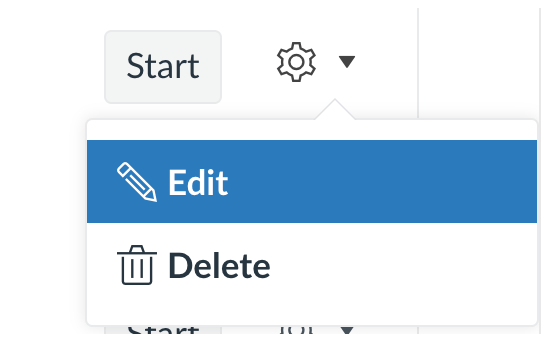
Locate the long running conference you wish to update, click the cog wheel icon, and select edit.
Screenshot 2026 03 31 At 9 39 42 AM
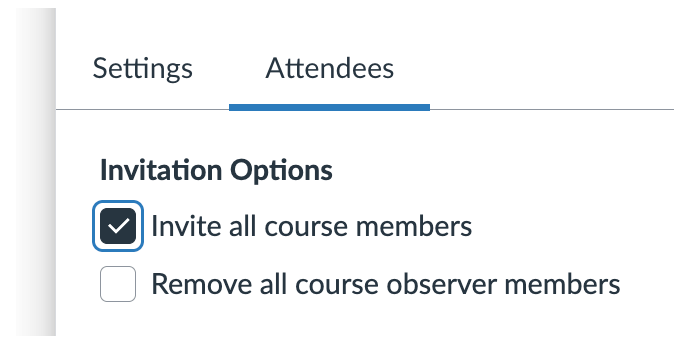
Then choose Invite all course members.
Screenshot 2026 03 31 At 9 41 31 AM
Select Save to save the changes. Refresh the Conferences page. All course members, including late registrants, will now have access to the conference and ability to view any subsequent recordings.