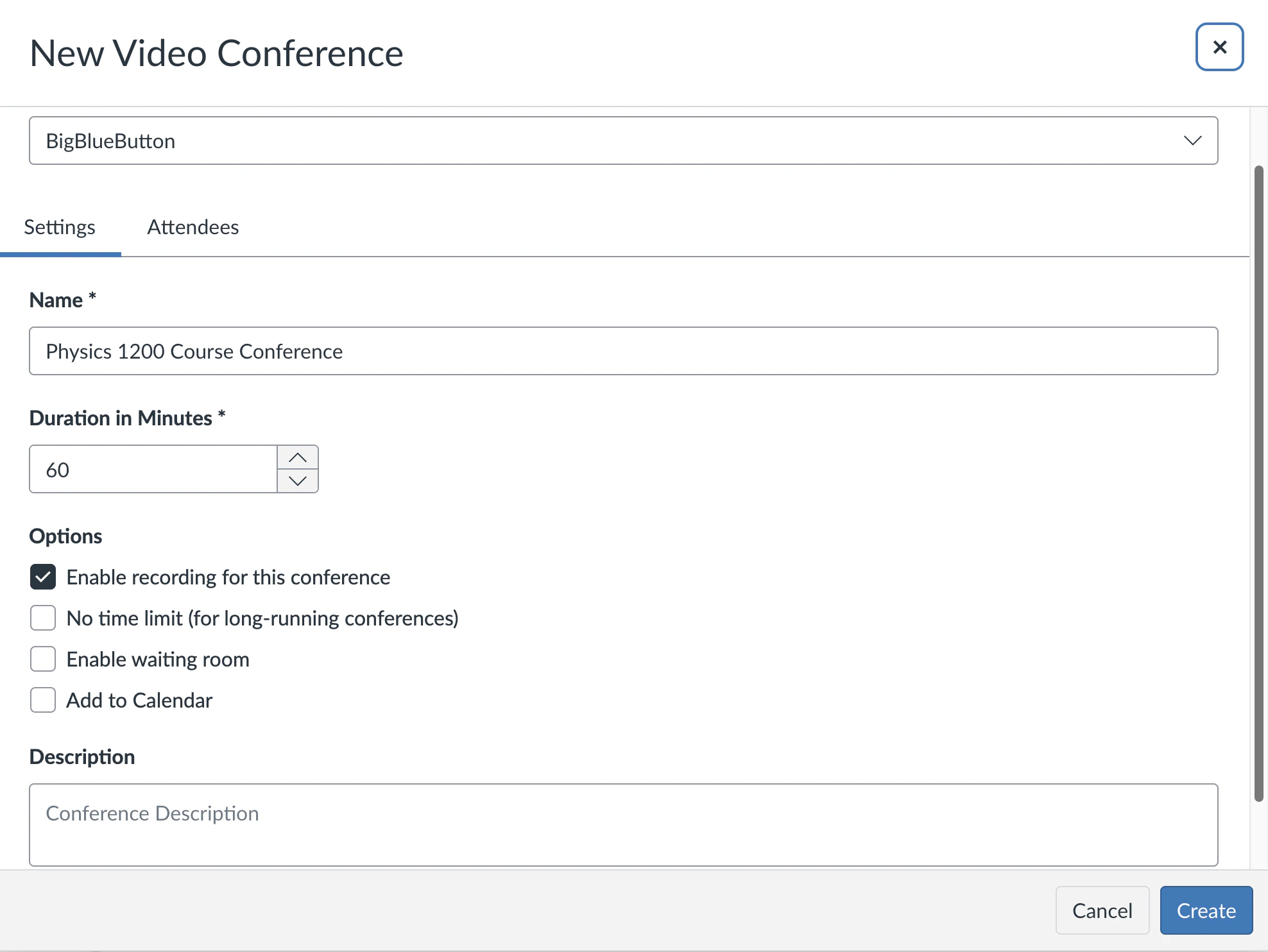
When you create a new Conference, by default the record option is checked.
Screenshot 2026 03 31 At 7 53 09 AM
However, there may be schools that do not have this setting checked. With a bit of Javascript, and the ability for Canvas to have your own theme with custom CSS/Javascript, you can enable this option for all instructors at your institution. The following video shows how you can set ‘Enable recording for this conference’ to true (and prevent the instructor from disabling it). See https://youtu.be/7oITHgBU8jg Here is the custom JavaScript snippet to upload to your theme (or add to any existing JavaScript you have in your theme).
/* Force conferences to be recorded */  
$("button.new-conference-btn").live("click",  
 function() {  
  rec = $("#web_conference_user_settings_record")[0];  
  if (rec) { rec.checked = true; rec.disabled = true; }  
 }  
);