In Canvas Conferences, when a conference is recorded it is accessible only to those who were invited to the conference when it was created.

If a conference is created and recorded without any attendees invited, the recording will only be visible to the creator of the conference (moderator/instructor). The same will be the case when a student is registered after the conference was created; they will not see the processed recording.

To share the recording URL

Locate the concluded conference activity and select “view” to open the recording playback.
Screenshot 2026 03 31 At 9 43 24 AM
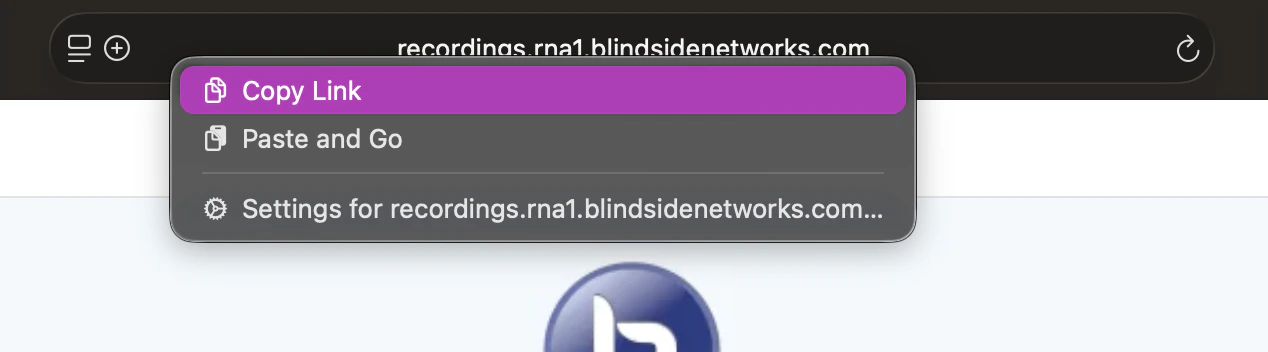
Once the recording has loaded into the browser tab, copy and paste the recording URL directly from the web address bar.
Screenshot 2026 03 31 At 8 10 15 AM
This link can be posted to course announcements or sent directly to individuals who were not invited or were not registered to the conference for viewing.