

Enable recording before the conference starts
The conference must start with Enable recording for this conference selected. This option is enabled by default.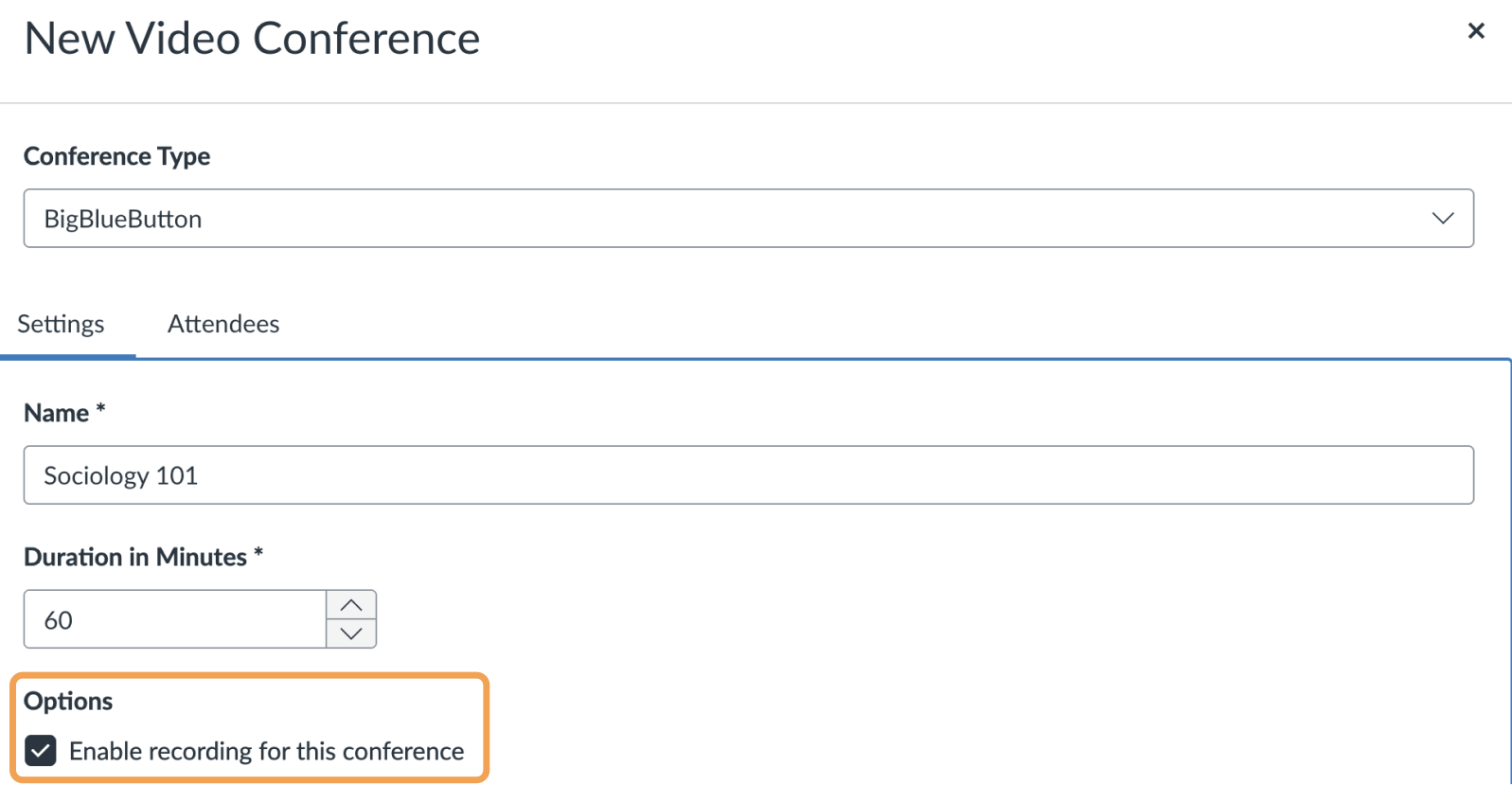
Enable this option before the conference starts. Selecting the checkbox while the conference is already running has no effect.
Start recording during the conference
During the conference, a moderator must select the Start/Resume Recording button to mark the start of recording at least once.When the recording appears
If both conditions are met, the recording appears within 24 hours after the conference concludes.