


How protection works
Protected links are generated dynamically, expire after 6 hours, and are only viewable by one person. Because each link is tied to a single viewer, a user cannot copy the URL from their browser and share it with others. For example, here is a link to a protected recording:https://recordings.reu1.blindsidenetworks.com/maintenance/dc64599ad3f967628e8e28f6c0cc9643a43424c0-1497980855997/capture/
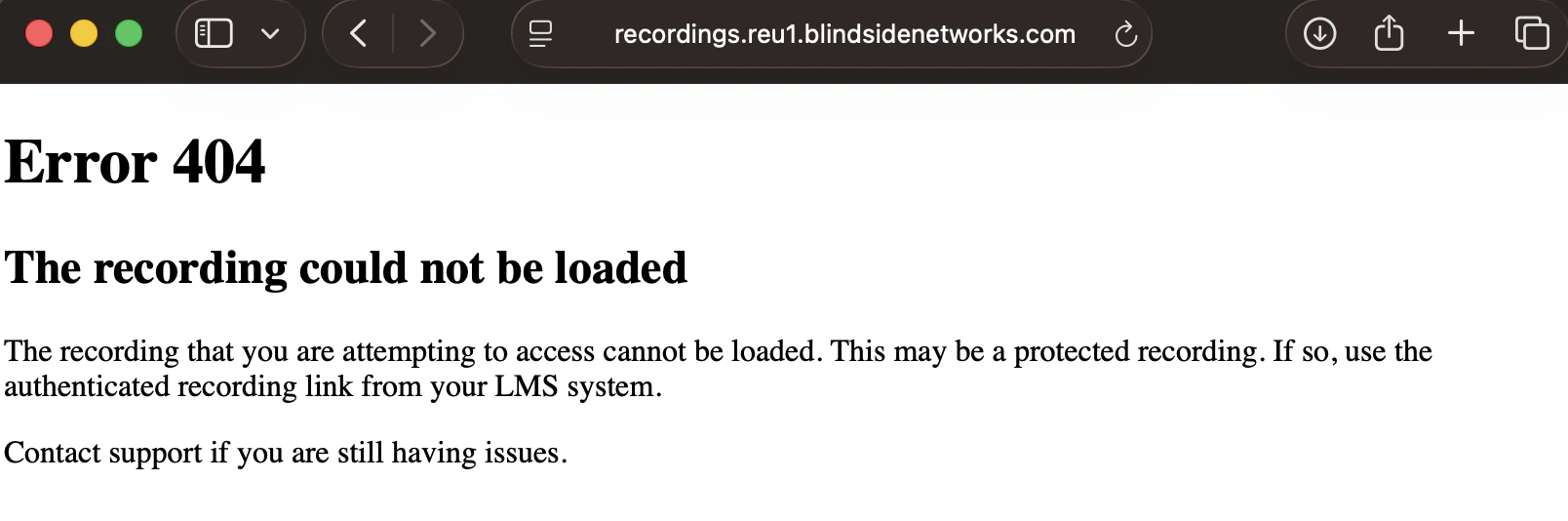
Opening this link in another browser returns a 404 error that reads “This may be a protected recording.”
Protected recording links do not prevent a user from recording their screen while watching, or from right-clicking and downloading the video file. They make it harder for users to casually share a recording.