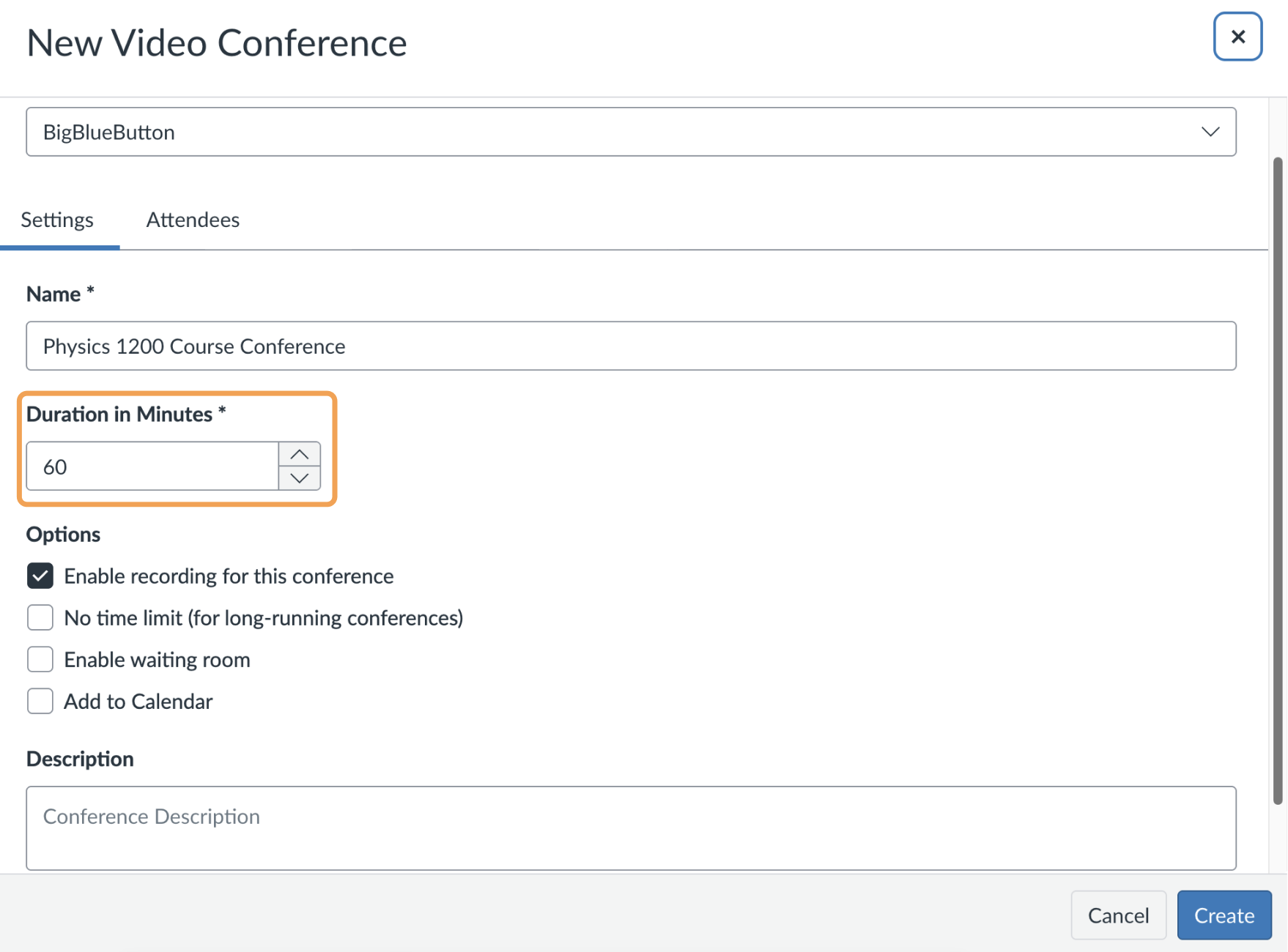
In Canvas, the Duration value sets a time window that “locks the door” to your Conference once the window expires. In the example below, Duration is set to 60 minutes. After the Conference is created, users can enter it anytime during the next 60 minutes.
Duration field set to 60 minutes

What happens when the Duration expires

When the Duration expires, new participants can no longer join the Conference. The expired Duration does not affect a session that is already running. The running session continues until one of these conditions is reached. Within the BigBlueButton session:
  • the last person leaves the session,
  • a moderator ends the session, or
  • the session exceeds the maximum length of 9 hours (540 minutes).
Within Canvas:
  • the educator ends the Conference in the Canvas UI.
Think of the Duration as a door to the Conference room. Once the door locks, no one new can enter, but users already inside can stay until their session finishes. After the Duration expires, the Conference moves to the Concluded section the next time you refresh the page in Canvas.