

Automatic update
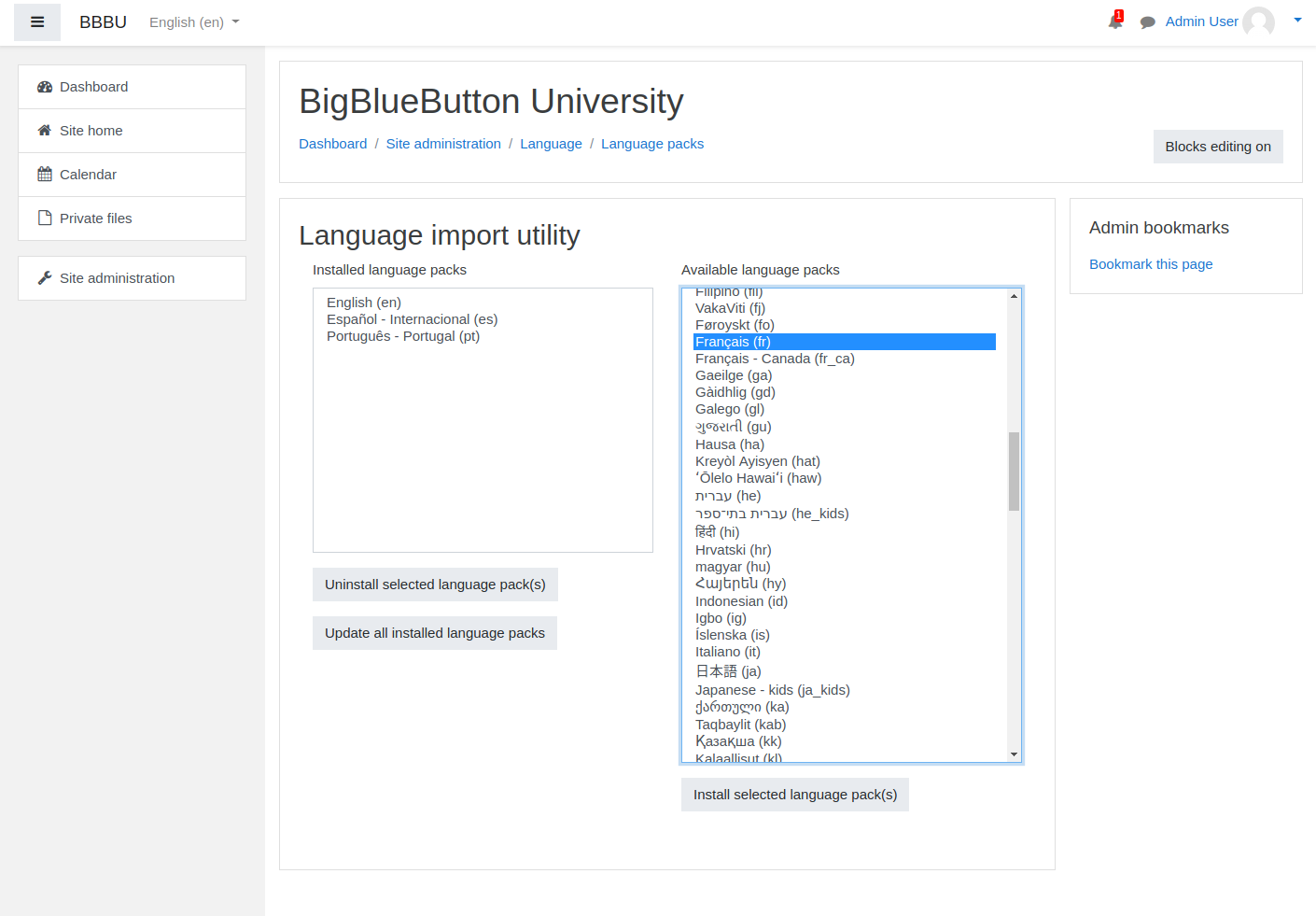
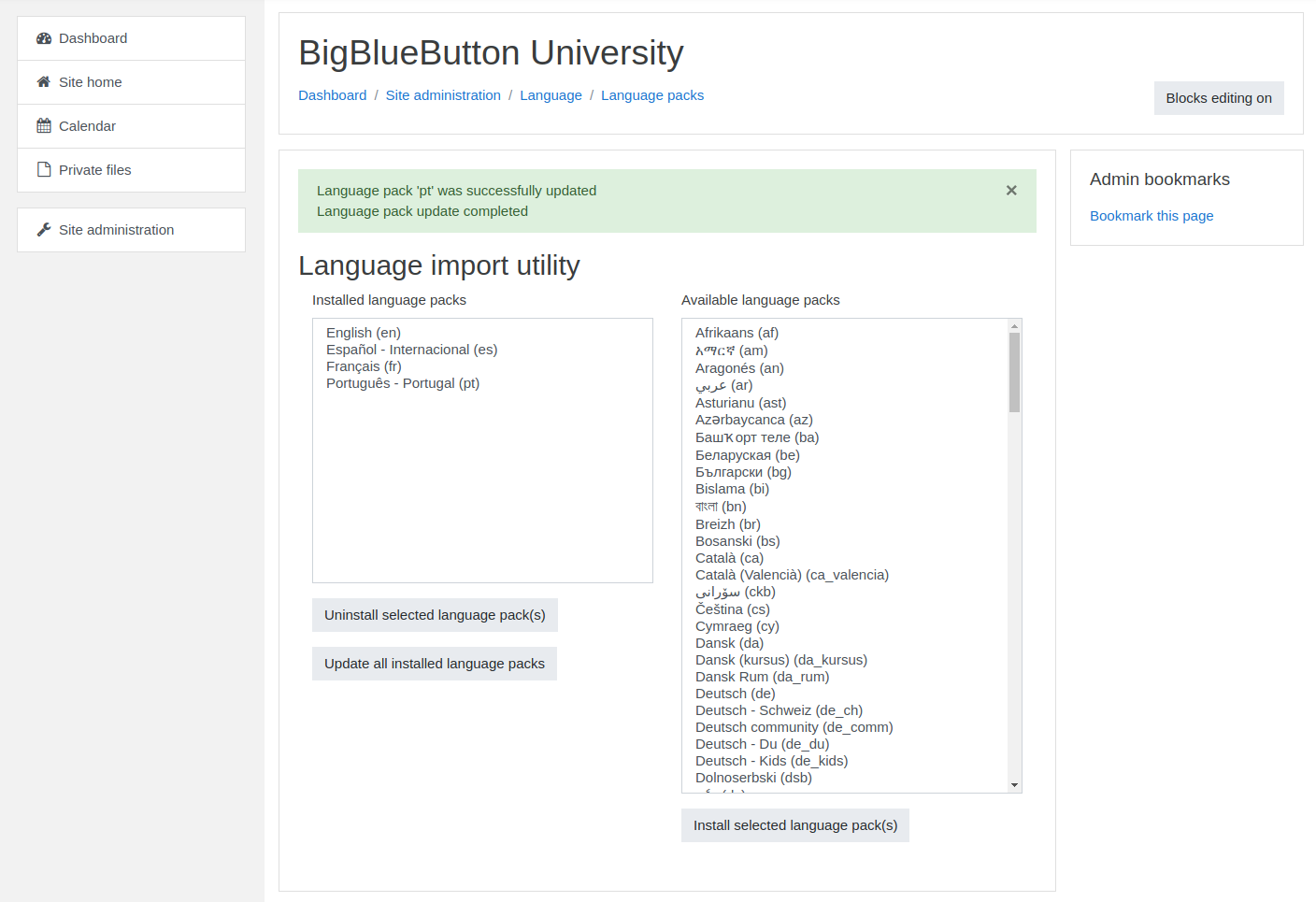
If you use standard language packs without customization:- Go to Site administration → Language → Language packs
- Install or update the relevant language pack
- Use Update all installed language packs when needed
Customized update
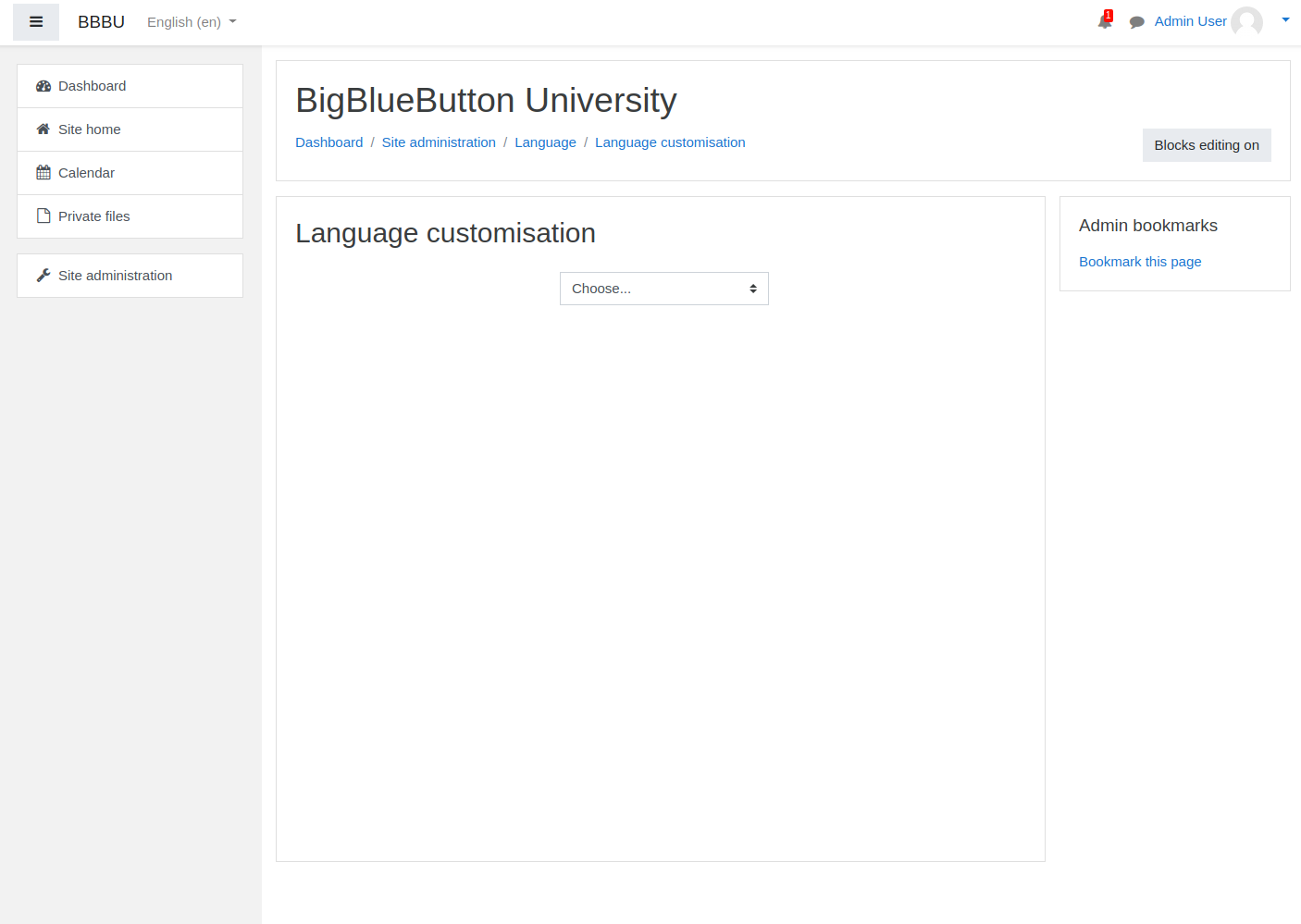
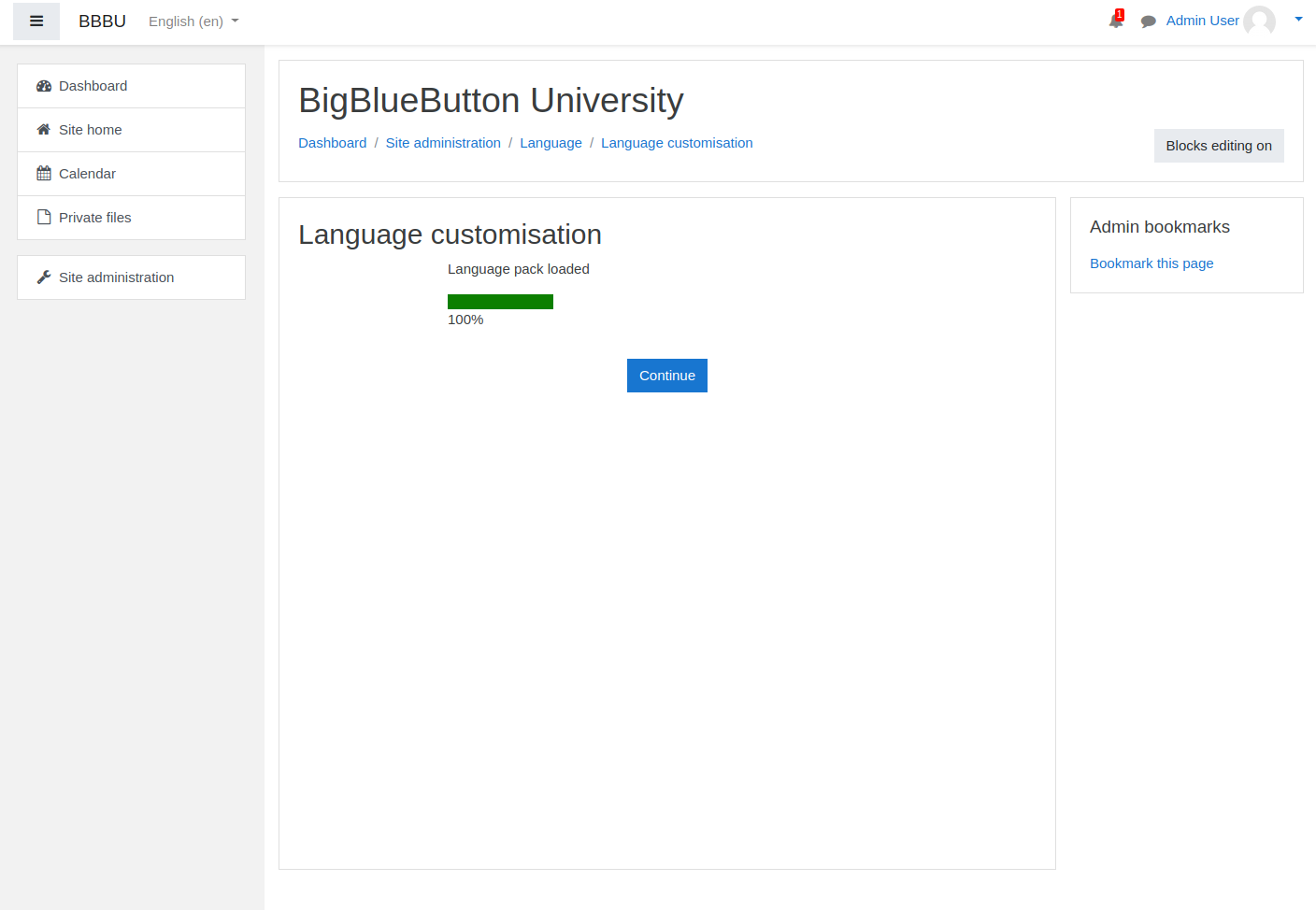
If your site customizes language strings:- Go to Site administration → Language → Language customization
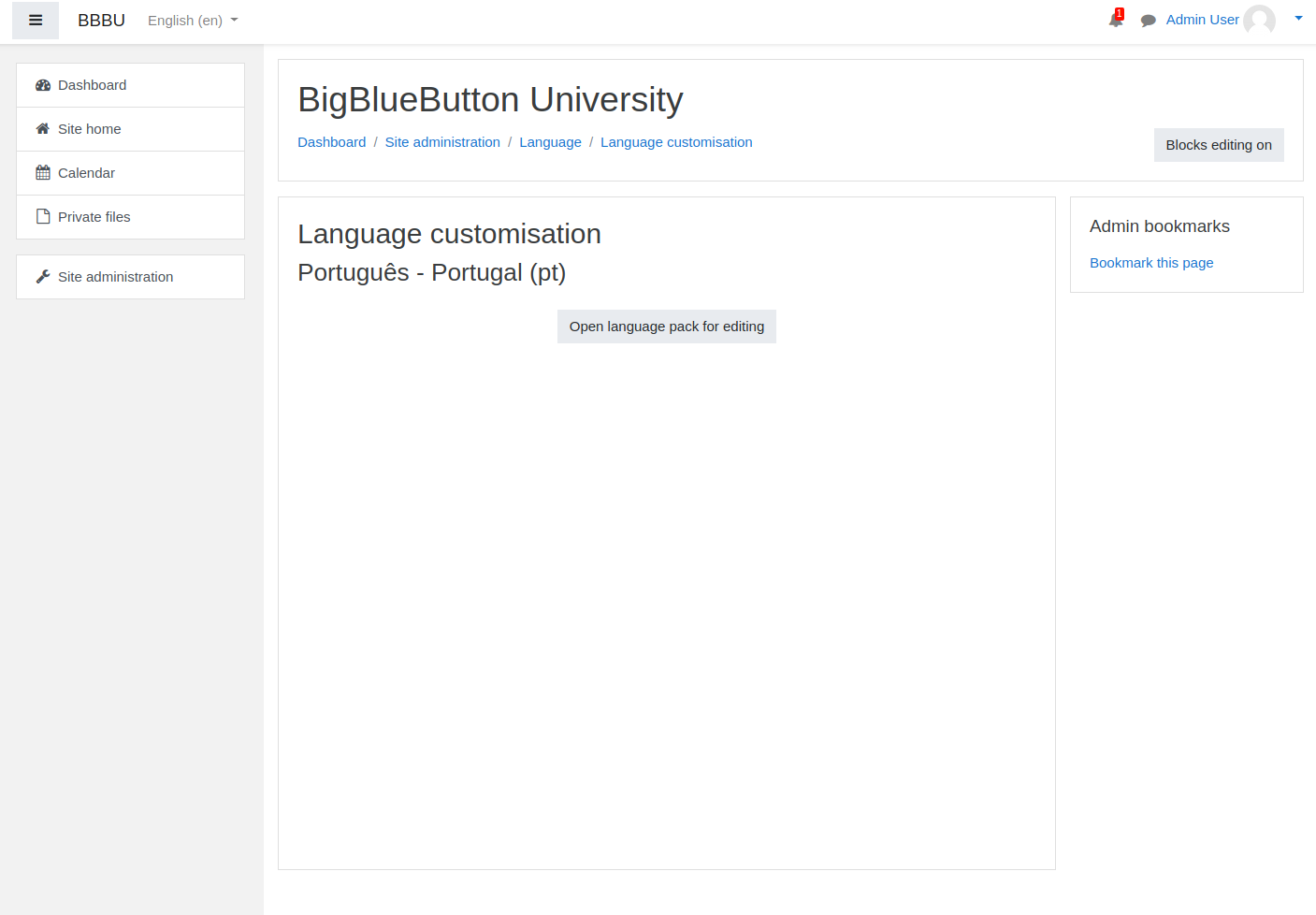
- Choose the language you want to edit
- Open the language pack for editing
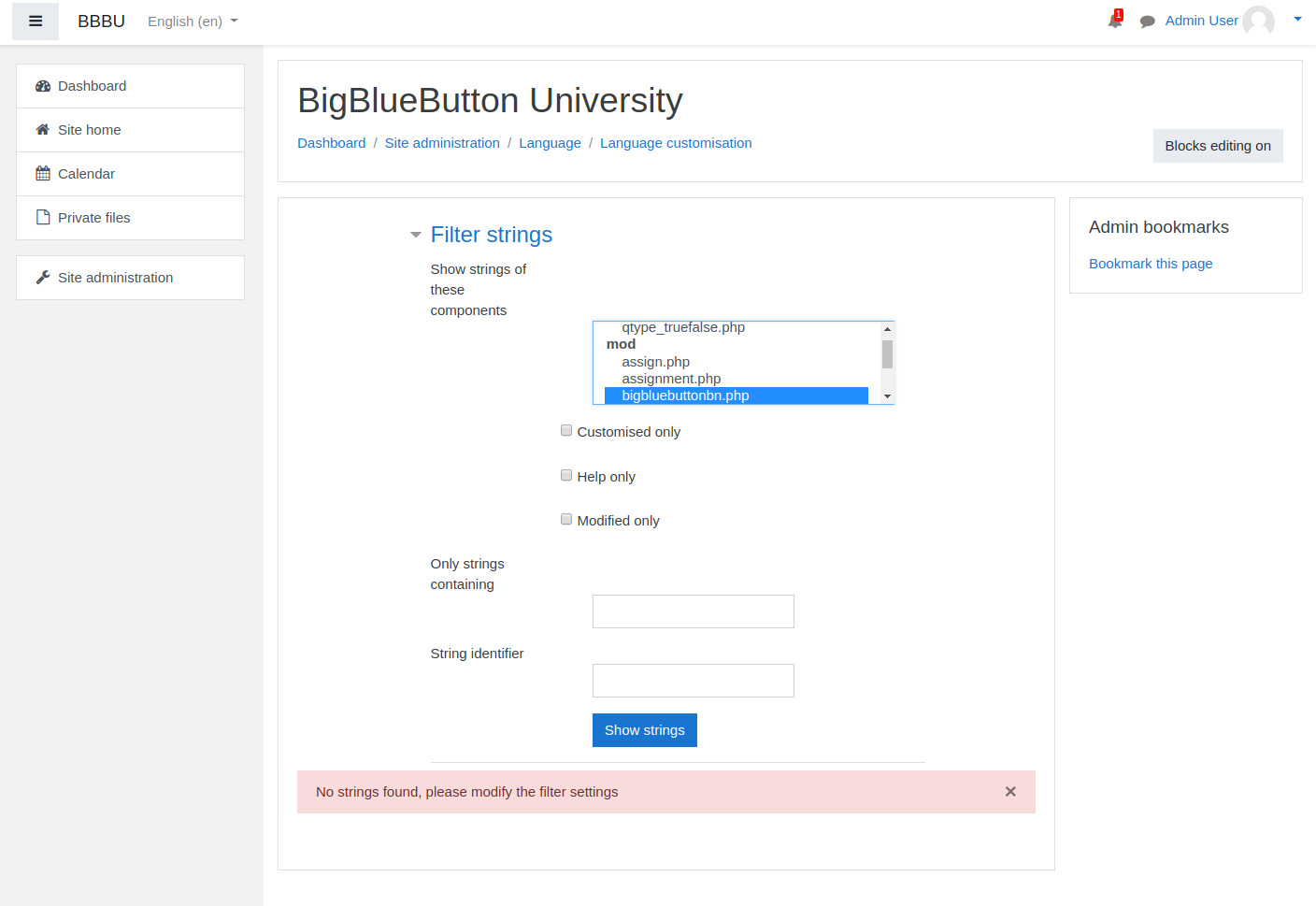
- Filter to the BigBlueButton module strings
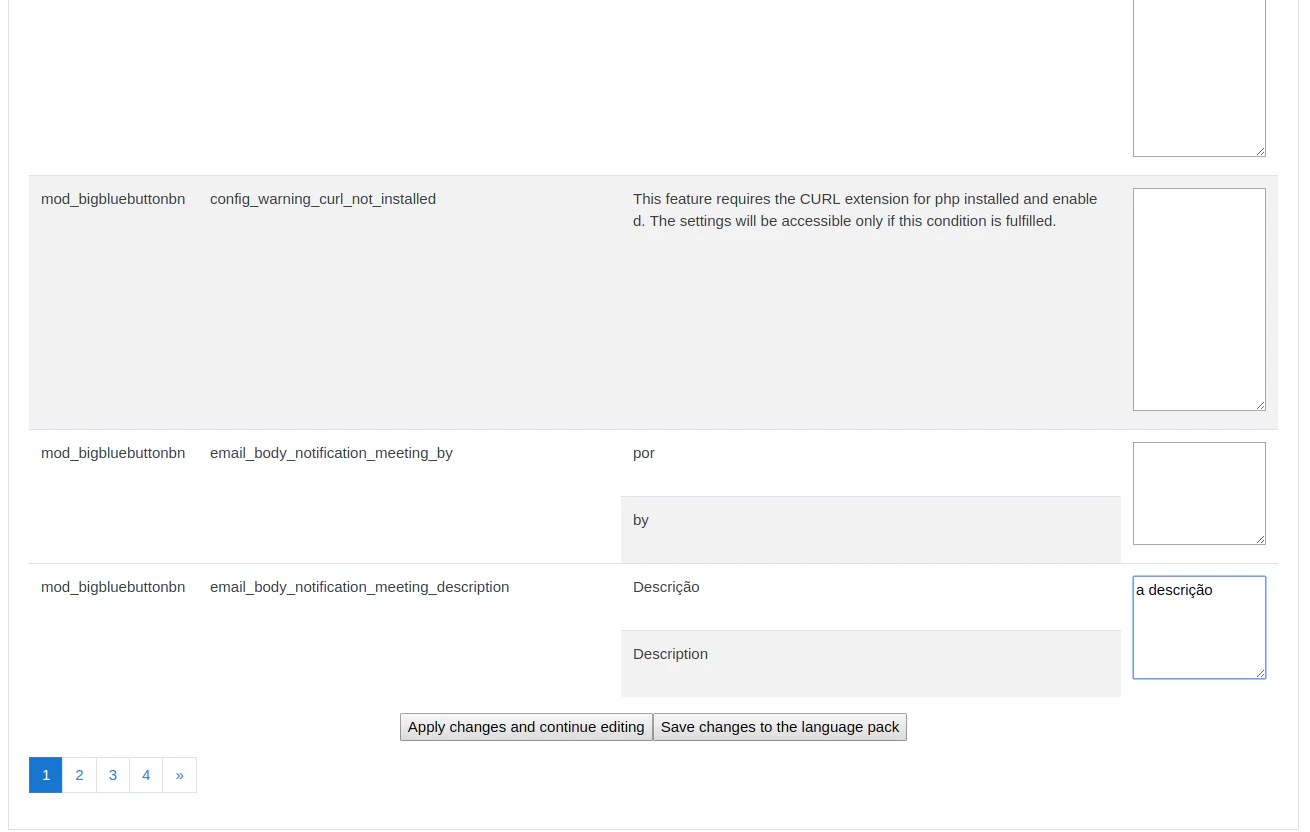
- Update the strings you want to customize
- Save the changes
Why use customization
This is useful when:- your organization wants friendlier language for learners
- you need a region-specific dialect
- the translated strings need to reflect local terminology