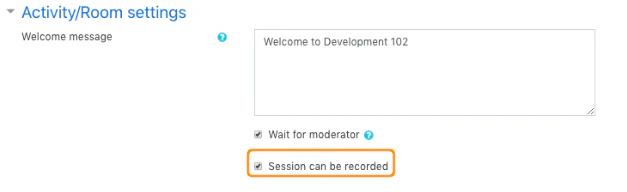
Common room settings
These settings commonly include:- a custom welcome message
- Wait for moderator
- whether the session can be recorded
Custom welcome message
Adding a welcome message replaces the default message shown in the room chat when users enter.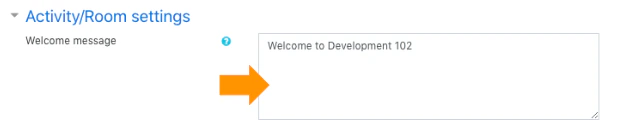
- avoiding pasted content directly from word processors like Microsoft Word
- using plain text or a simple text editor if formatting issues appear
- being careful with special characters if your site has had HTML formatting issues in this field
Wait for moderator
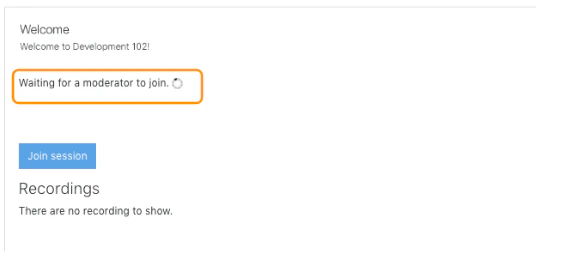
When Wait for moderator is enabled, viewers cannot enter the room until a moderator joins. That means students will see a waiting message until the teacher or another moderator opens the room.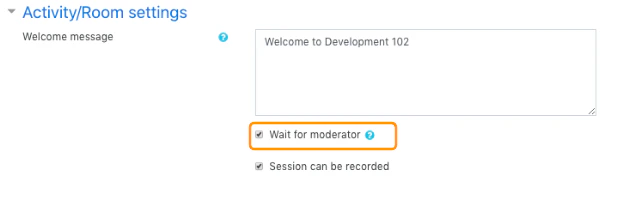
Session recording
When the room is configured to be recorded, moderators can use the recording controls during the live session. If the Session can be recorded option is disabled, the Start/Stop Recording button does not appear and the server will not record the session.