

What you can configure
- activity availability
- ID number
- group mode
- grouping
Availability
If the activity is set to show on course page, students can access it subject to any other access restrictions. If it is set to hide from students, the activity is available only to users who can view hidden activities.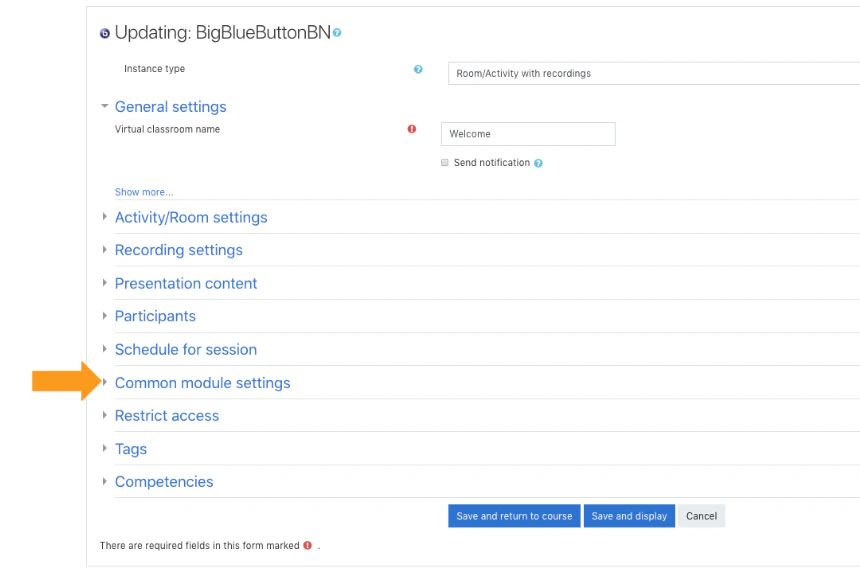
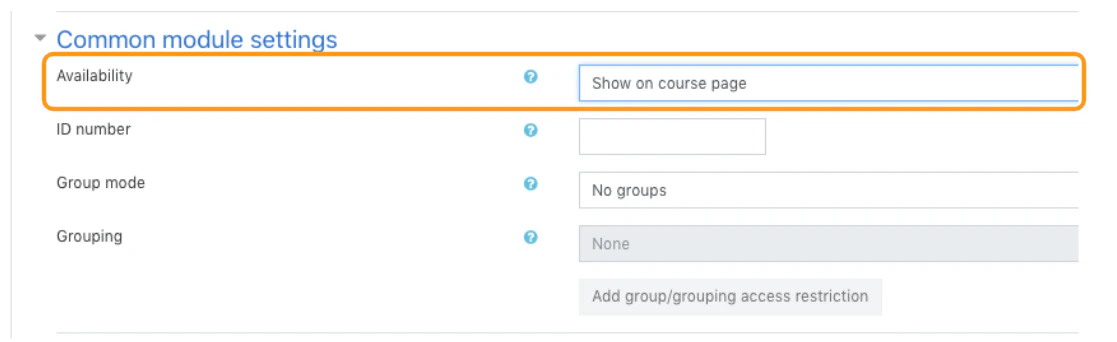
ID number
An ID number can help identify the activity for grading, reporting, or custom workflows.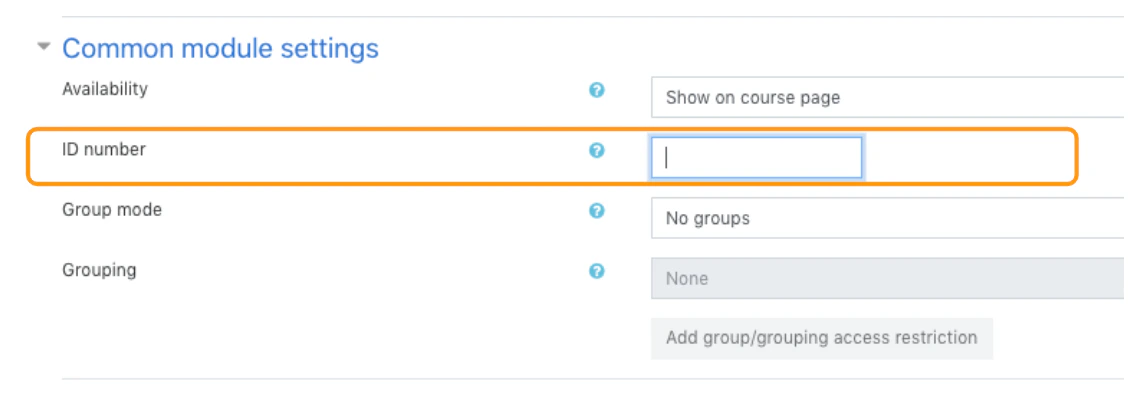
Group mode
Group mode is defined at the course level by default, but the activity can also define its own mode unless the course forces a single setting. Available modes include:- No groups
- Separate groups
- Visible groups
