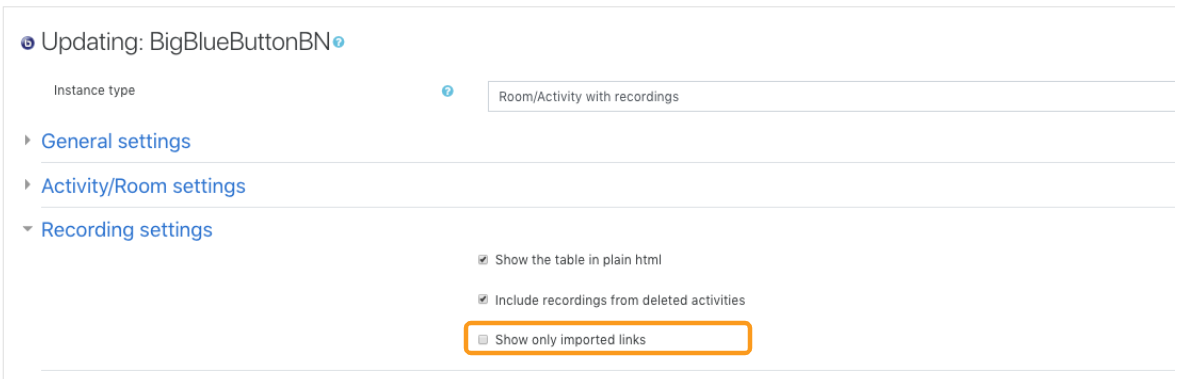
These settings may be hidden unless an administrator has enabled them site-wide.
Common recording settings
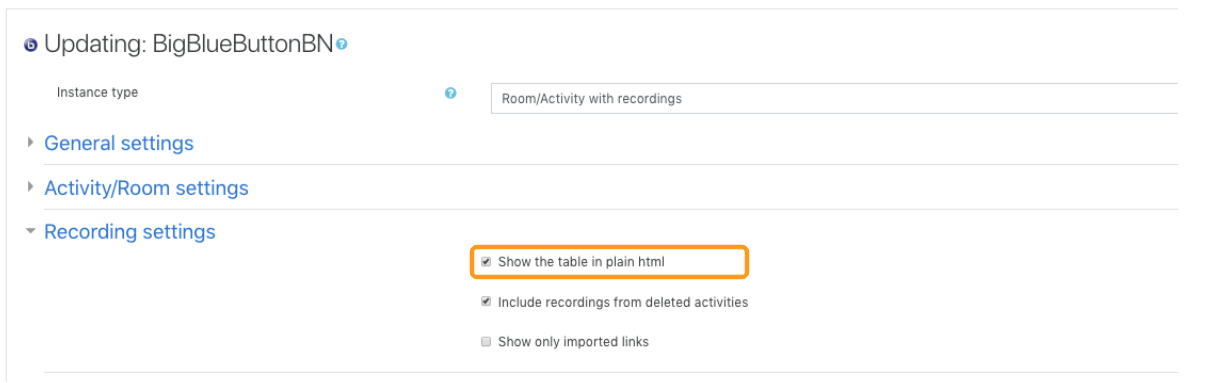
These settings may include:- how the recordings table is displayed
- whether recordings from deleted activities are included
- whether only imported recording links are shown
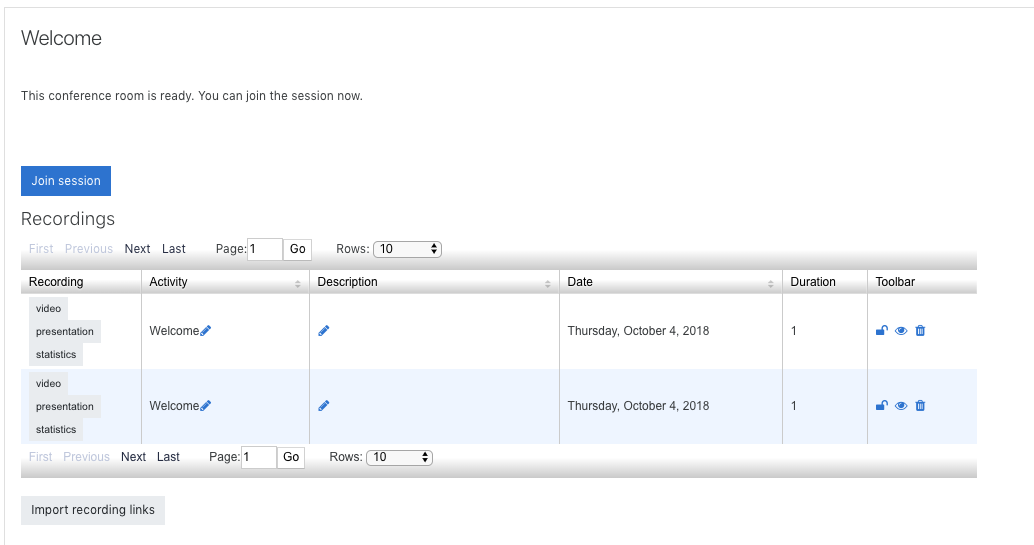
Recording table format
Some Moodle sites allow the recordings table to be displayed in a simpler HTML layout or a richer filtered view. If you have many recordings tied to one activity, the richer table can be easier to search and scan.
Deleted-activity recordings
When enabled, recordings that were created under activities later deleted from the course can still appear in the interface.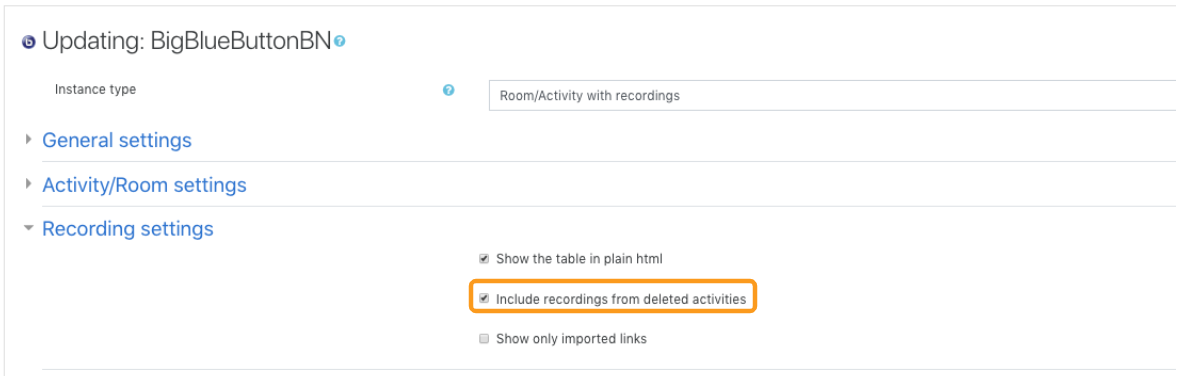
Imported recording links only
When enabled, the table can be filtered to show only imported recording links instead of every available recording for the activity.