

Find recordings
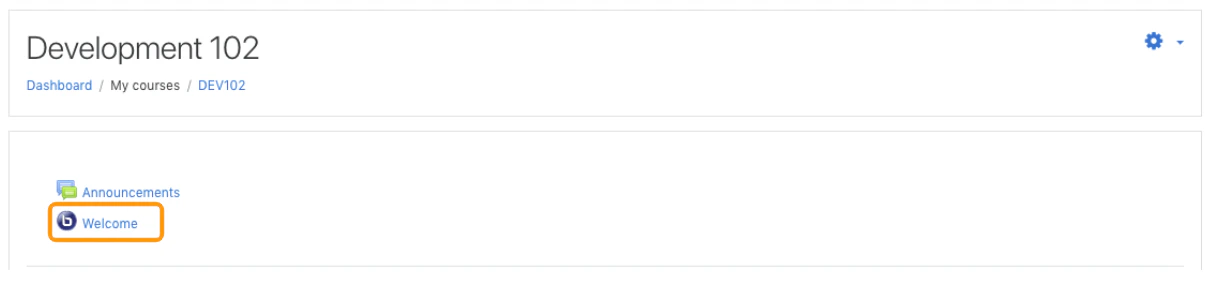
- Open the course.
- Select the BigBlueButton activity.
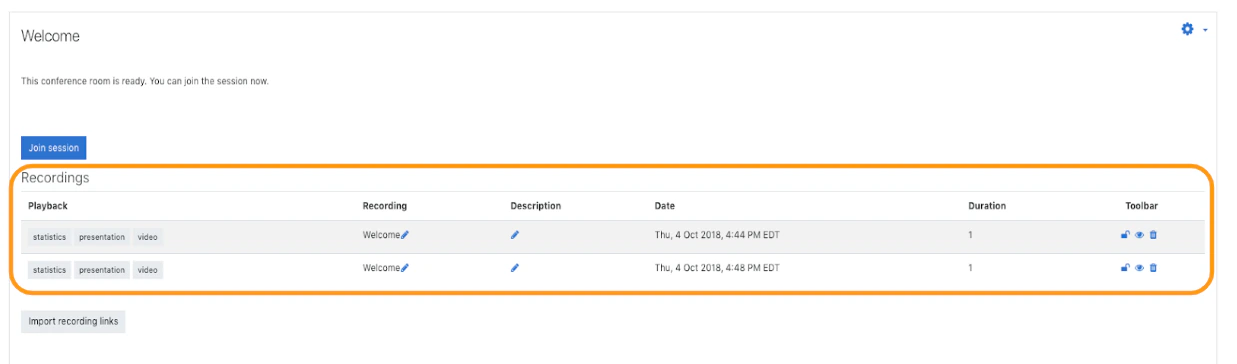
- Scroll to the recordings section below the room details.
Play a recording
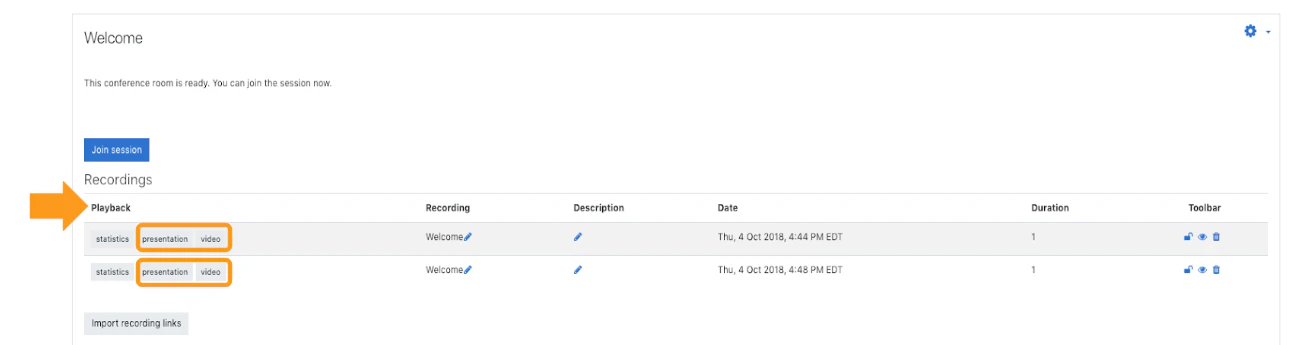
Look in the playback column and choose one of the available formats, such as:- Presentation
- Video
Download behavior
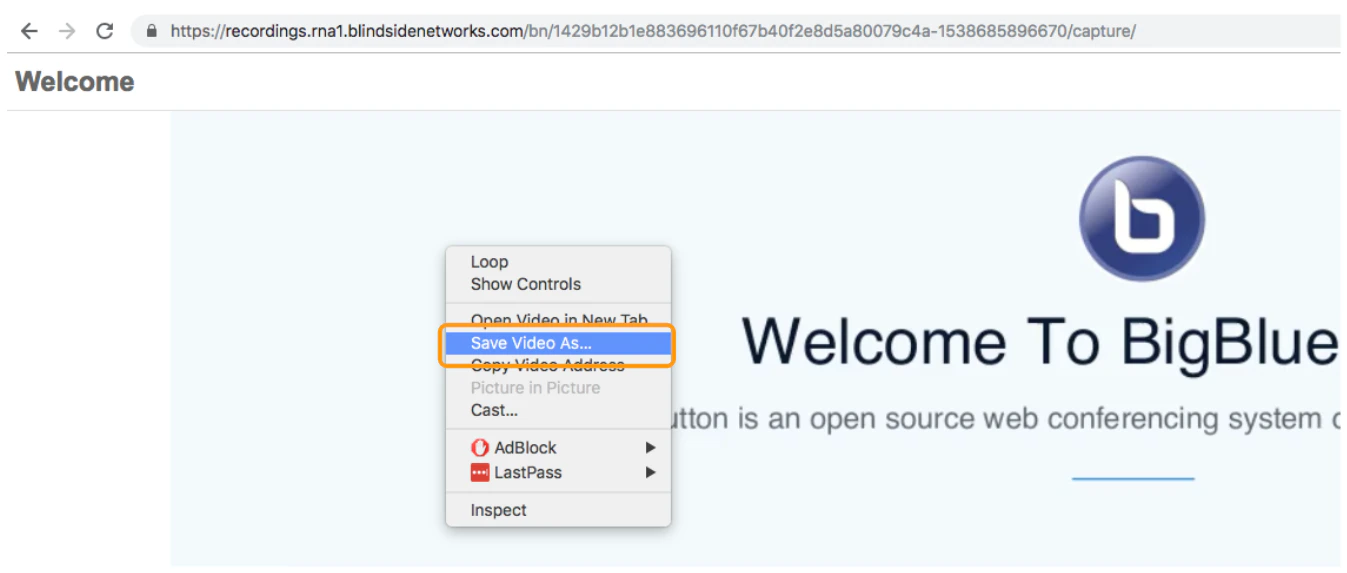
Some playback formats may also allow download or saving through the browser, depending on the format and the user’s permissions.Next steps
- Want to control who can view a recording? See Manage recordings.
- Want to import a recording link from another course? See Import recording links.