

Join a session
- Open the course.
- Select the BigBlueButton activity.
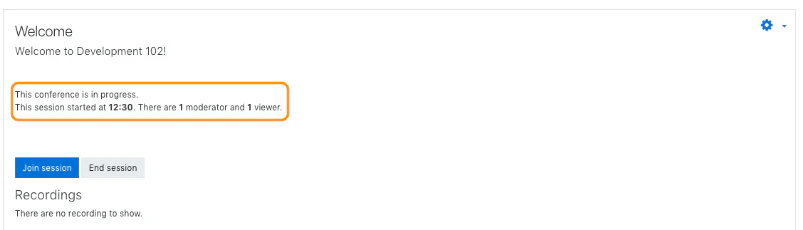
- Review the session status on the activity page.
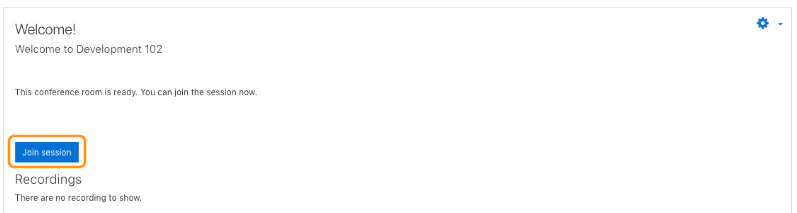
- Select Join session when it becomes available.
What you may see before joining
Depending on the settings, Moodle may show that:- the room is ready
- the session has not started yet
- you are waiting for a moderator
- the session is closed
- the session is full
When groups are enabled
If the course uses groups, the join flow can behave differently:- some users will be sent directly to their group room
- some users will be able to choose from one or more rooms
- teachers may see more room options than students