

Default behavior
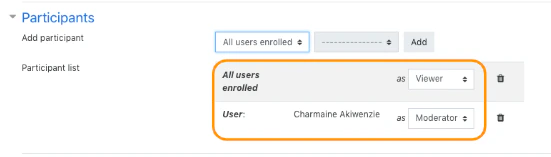
By default:- all enrolled course users enter as viewers
- the owner of the activity enters as a moderator
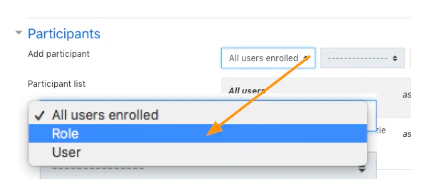
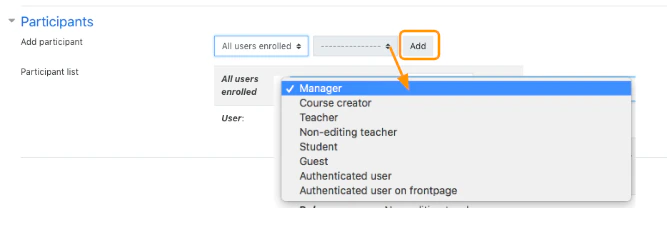
Add participants
You can add participants based on:- a Moodle role
- an individual enrolled user
Change entry role
For each participant mapping, you can choose whether the user or role enters as:- Viewer
- Moderator

