Documentation Index

Fetch the complete documentation index at: https://bigbluebutton.com/docs/llms.txt

Use this file to discover all available pages before exploring further.

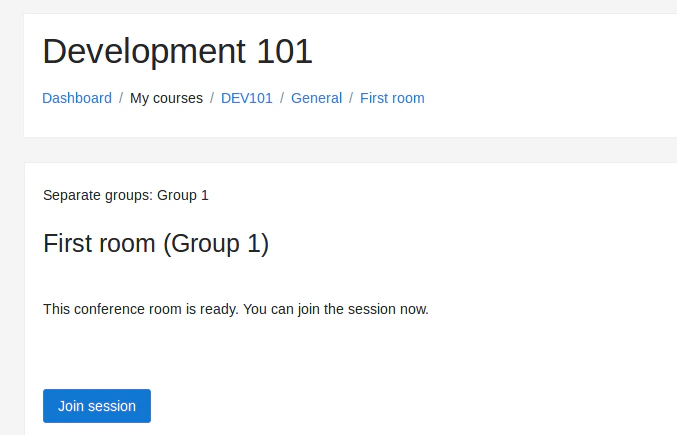
Groups work much the same way in BigBlueButton as they do in the rest of Moodle, but BigBlueButton adds one important behavior: there can be a unique room per group. That means the Join button can send a user to:
  • the room for the group they belong to
  • a room they choose from a group selector
  • a general room in some teacher-facing cases

Group options

The main group mode options are:
  • Separate groups
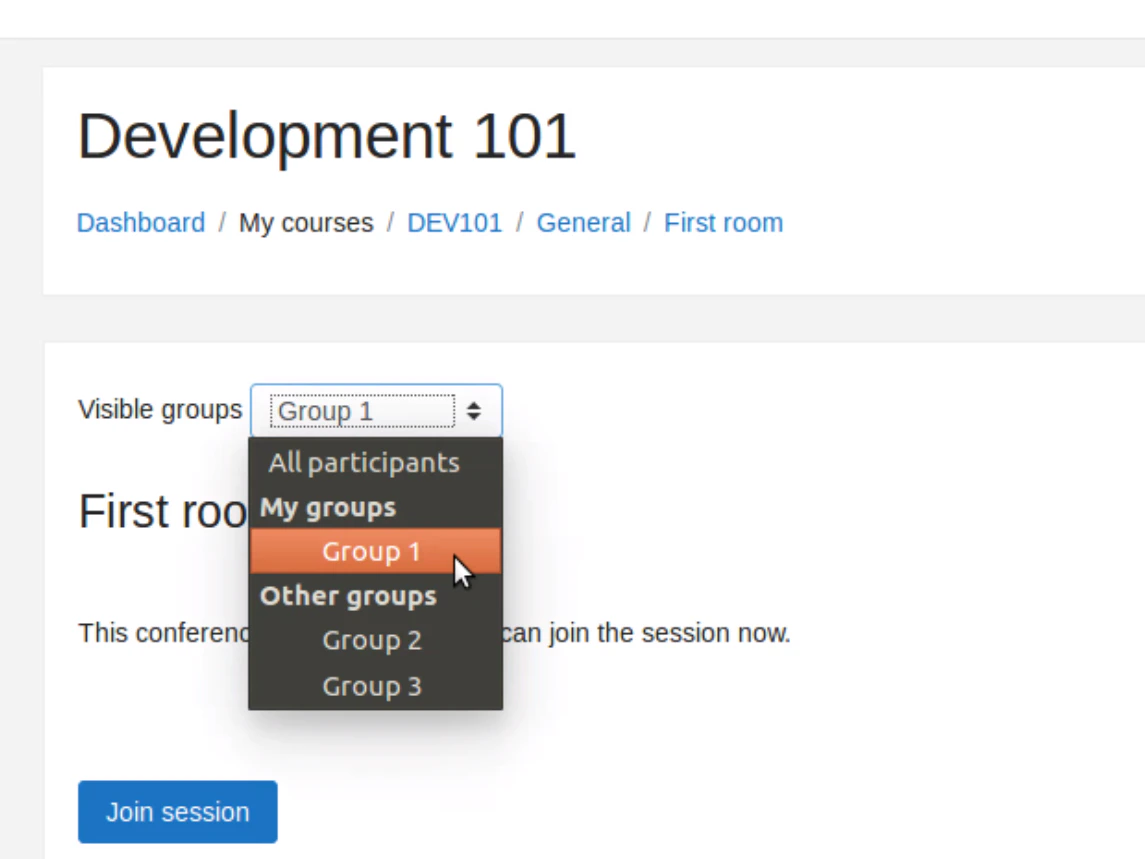
  • Visible groups

Separate groups

This is the most restrictive option. In many cases:
  • students only see the group they belong to
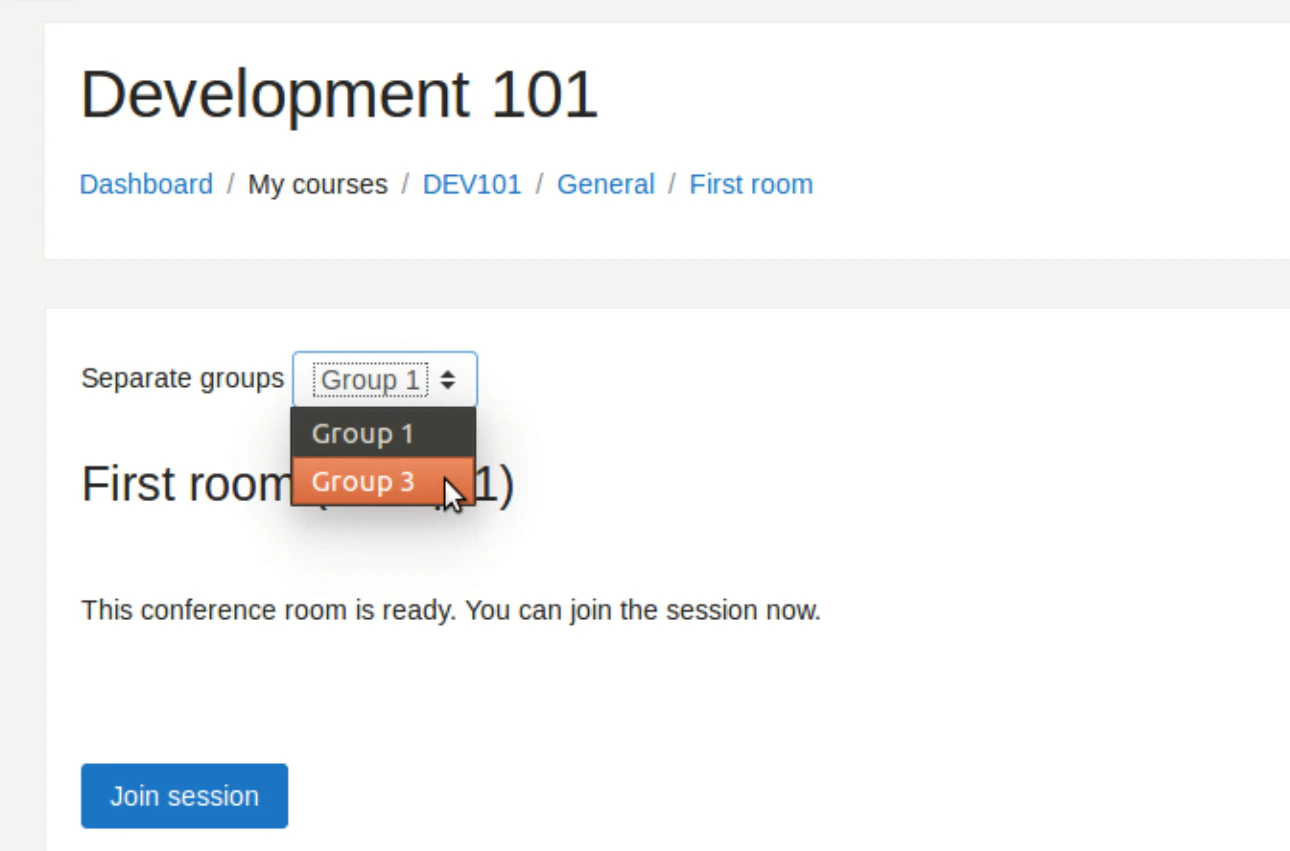
  • users who belong to multiple allowed groups may choose from a limited list
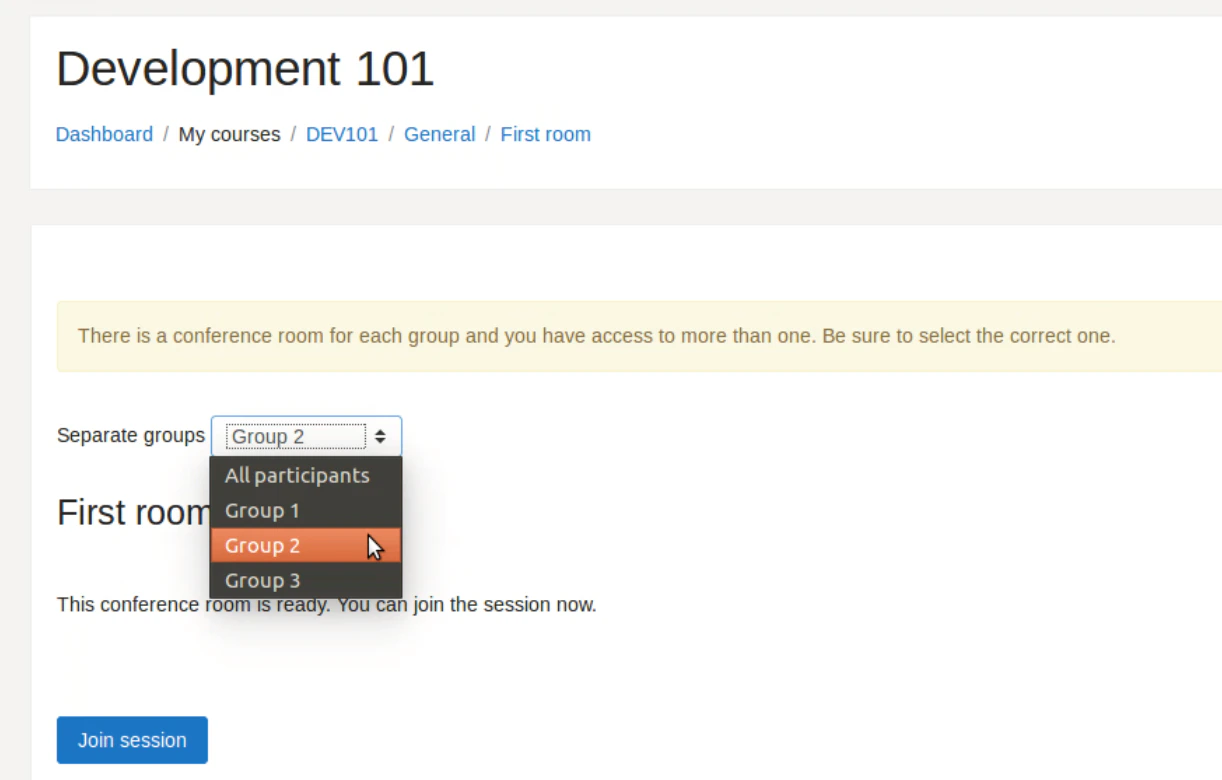
  • educators can choose from a wider set of rooms
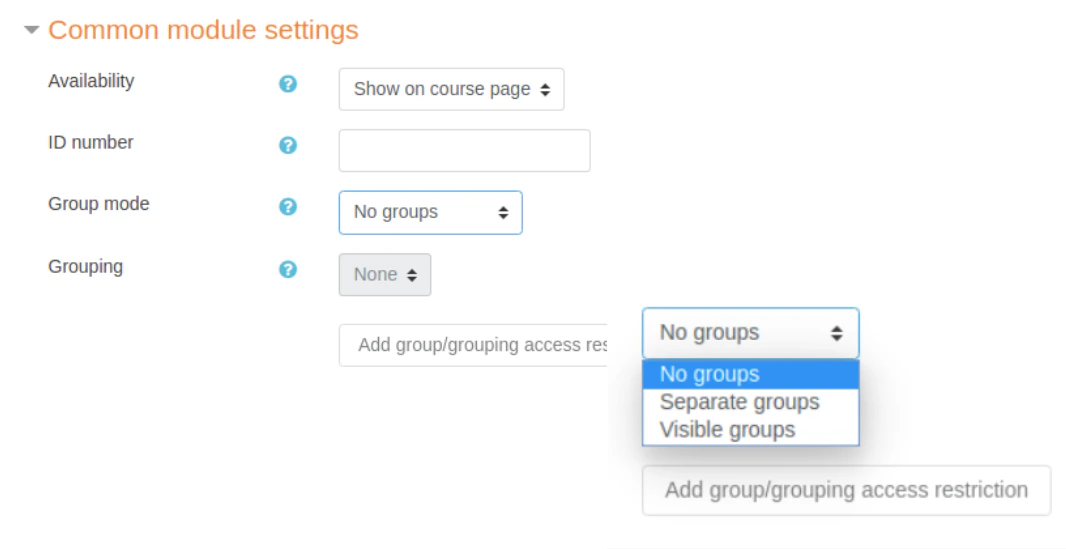
Teachers may need to move between rooms to meet with students who have joined each group room. Groups configuration in Moodle Separate groups view for users assigned to a group Room selector limited to groups the user belongs to Teacher room selector with multiple room choices

Visible groups

This is more permissive. Users can choose the room they want to join from a list that shows all groups available in the course, subject to site and role configuration. Visible groups room selector
Learn more

For more background on Moodle groups in general, see the official Moodle documentation on groups.