

What changed
Newer versions of BigBlueButton for Moodle can use BigBlueButton activities themselves to surface recordings, including Recordings only style activity patterns in older guidance.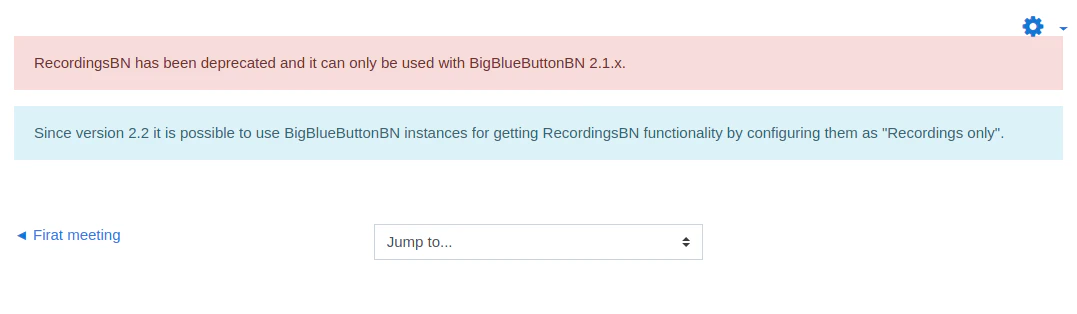
Two common solutions
Add a dedicated activity for recordings
An editing teacher can add a new BigBlueButton activity configured specifically to surface recordings for the course.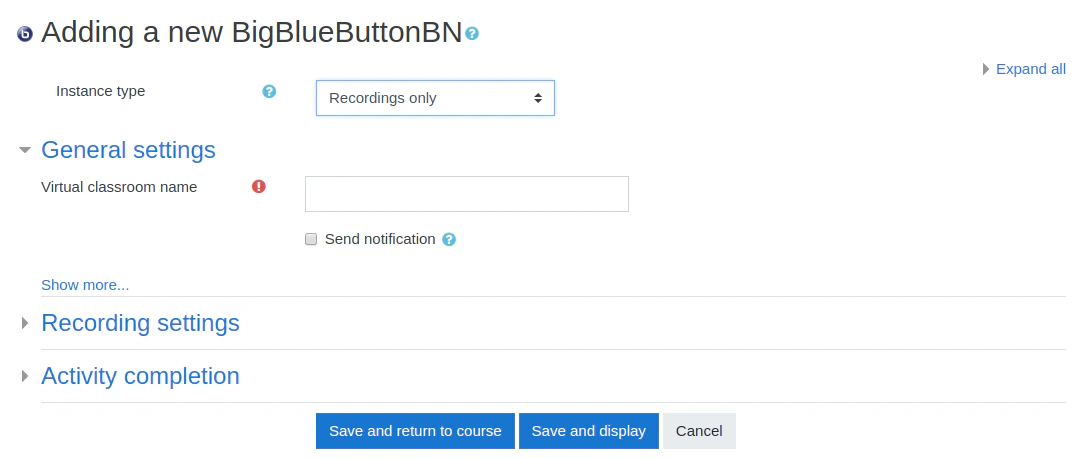
Migrate older RecordingsBN instances
If your site still has legacy RecordingsBN instances, an administrator may need to migrate them and then retire the old plugin.Good checks
- confirm the current plugin version
- confirm the current activity type options available on your site
- verify scheduled tasks and recording sync behavior
- verify whether the site still depends on any legacy plugin workflow