How it works
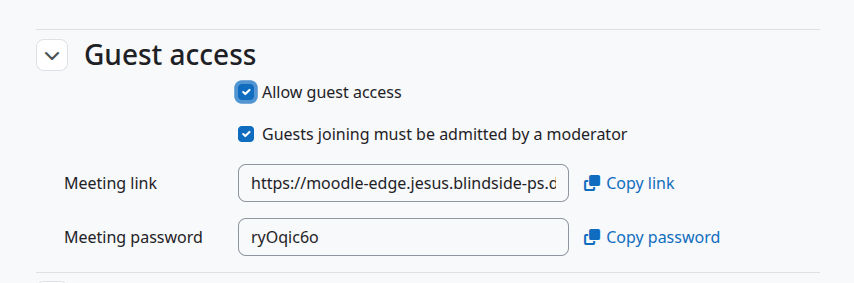
When guest access is enabled:- the activity can generate a guest link
- a guest password can be shared
- guests can join without a Moodle account
Typical teacher workflow
- Edit the activity.
- Enable guest access if your site allows it.
- Copy the guest link and password.
- Share them with the external participants.
What guests experience
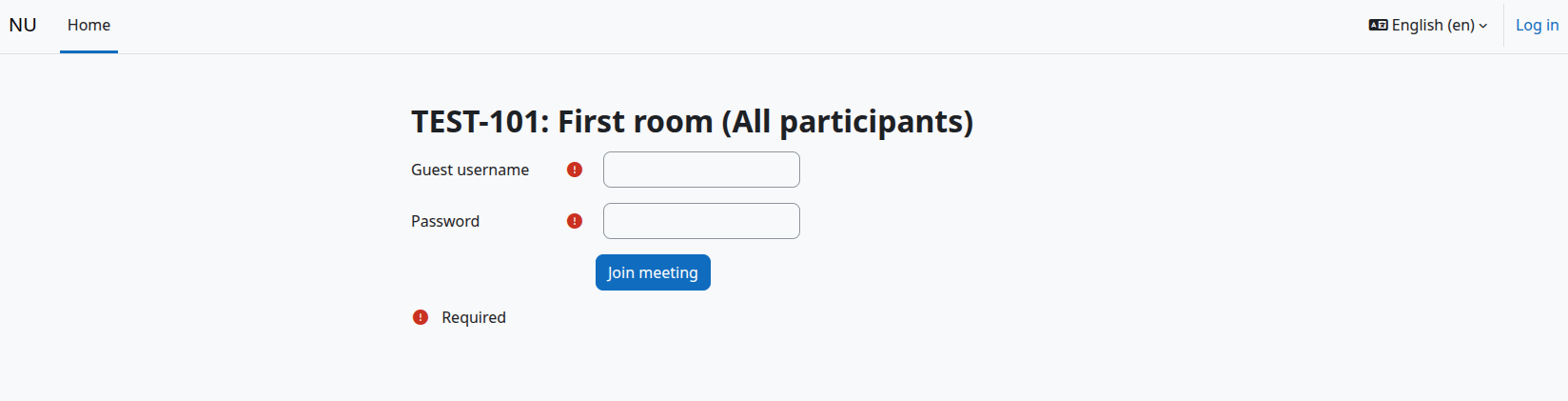
Guests usually:- open the guest link
- enter a display name
- enter the password
- wait for the meeting to start, and sometimes wait for moderator approval