This feature is usually hidden unless it has been enabled by an administrator.
Import links
- Open the BigBlueButton activity where you want the recordings to appear.
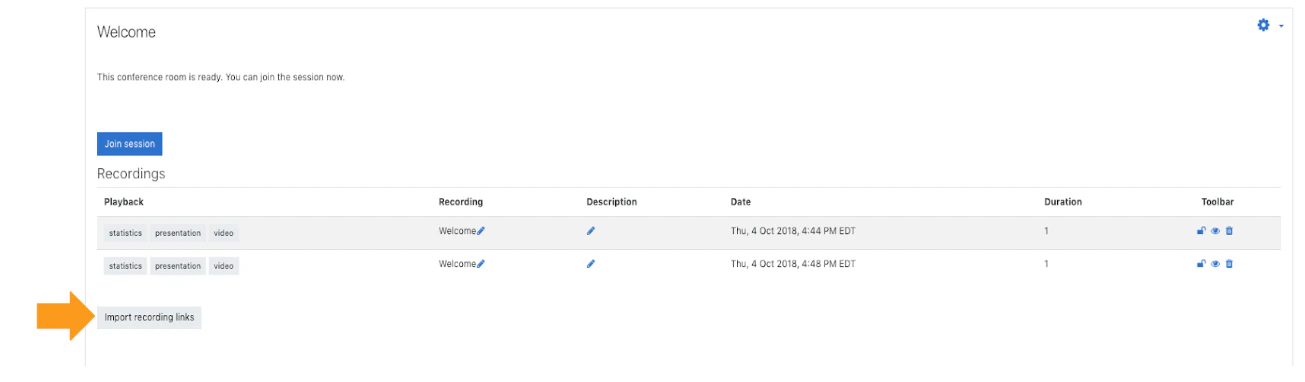
- Go to the recordings area.
- Select Import recording links.
- Choose the source course.
- Select one or more available recordings.
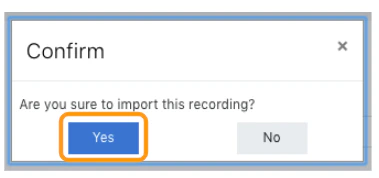
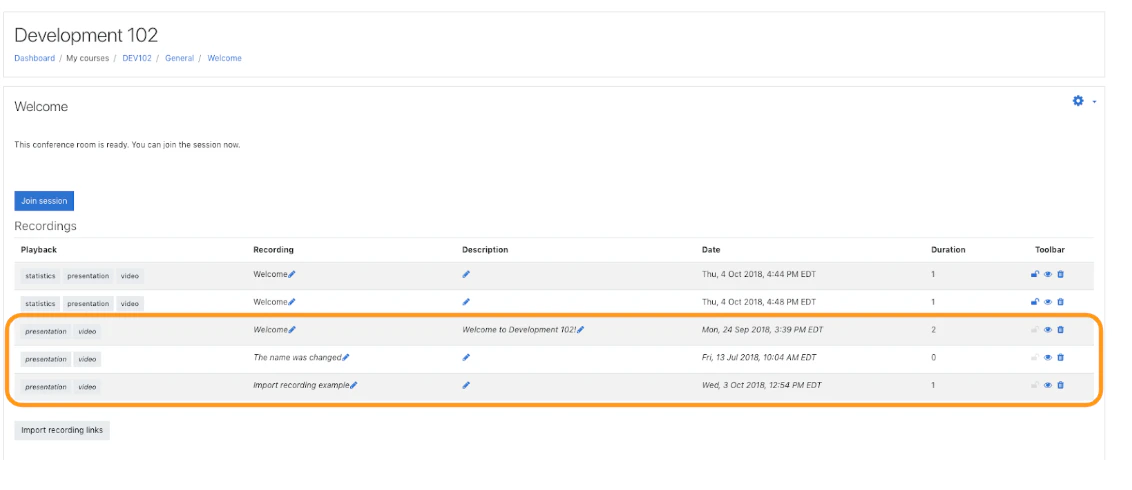
- Confirm the import.