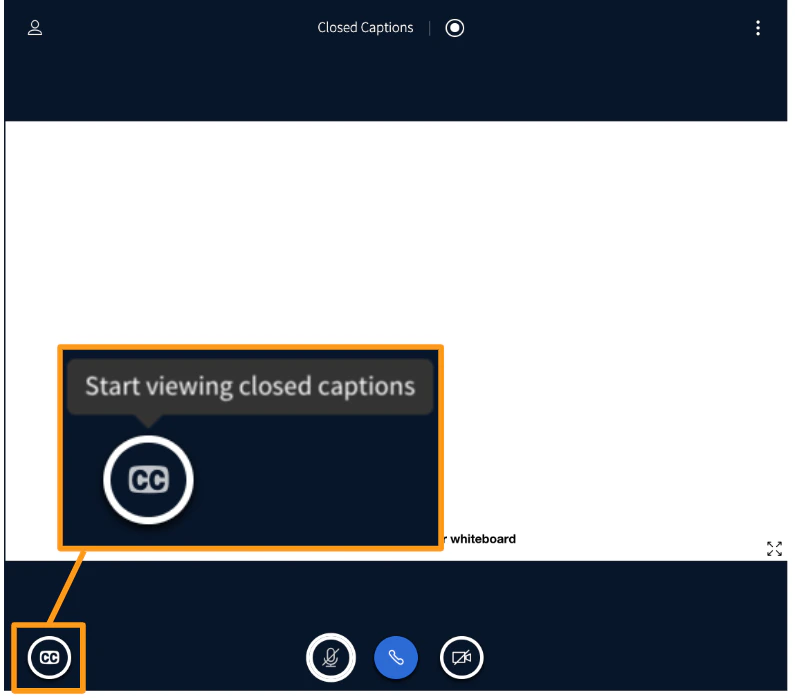
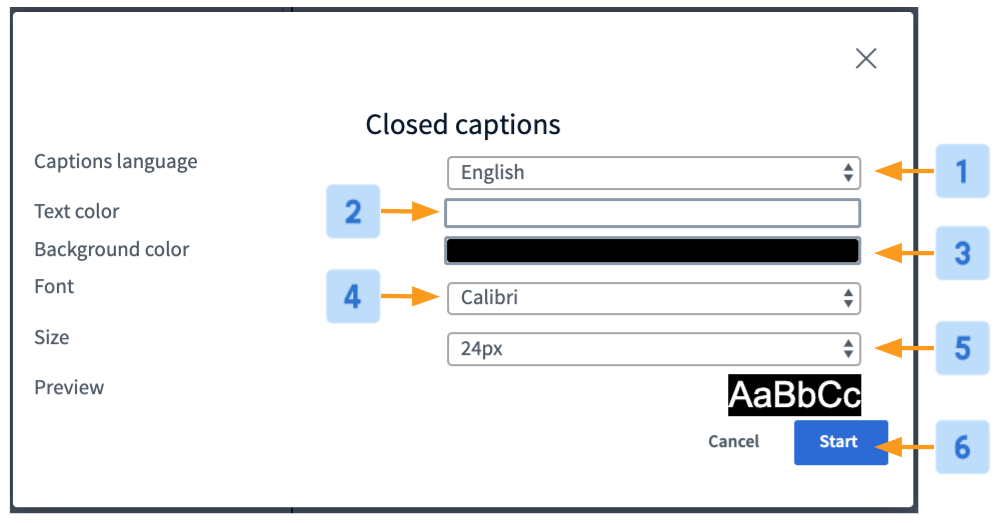
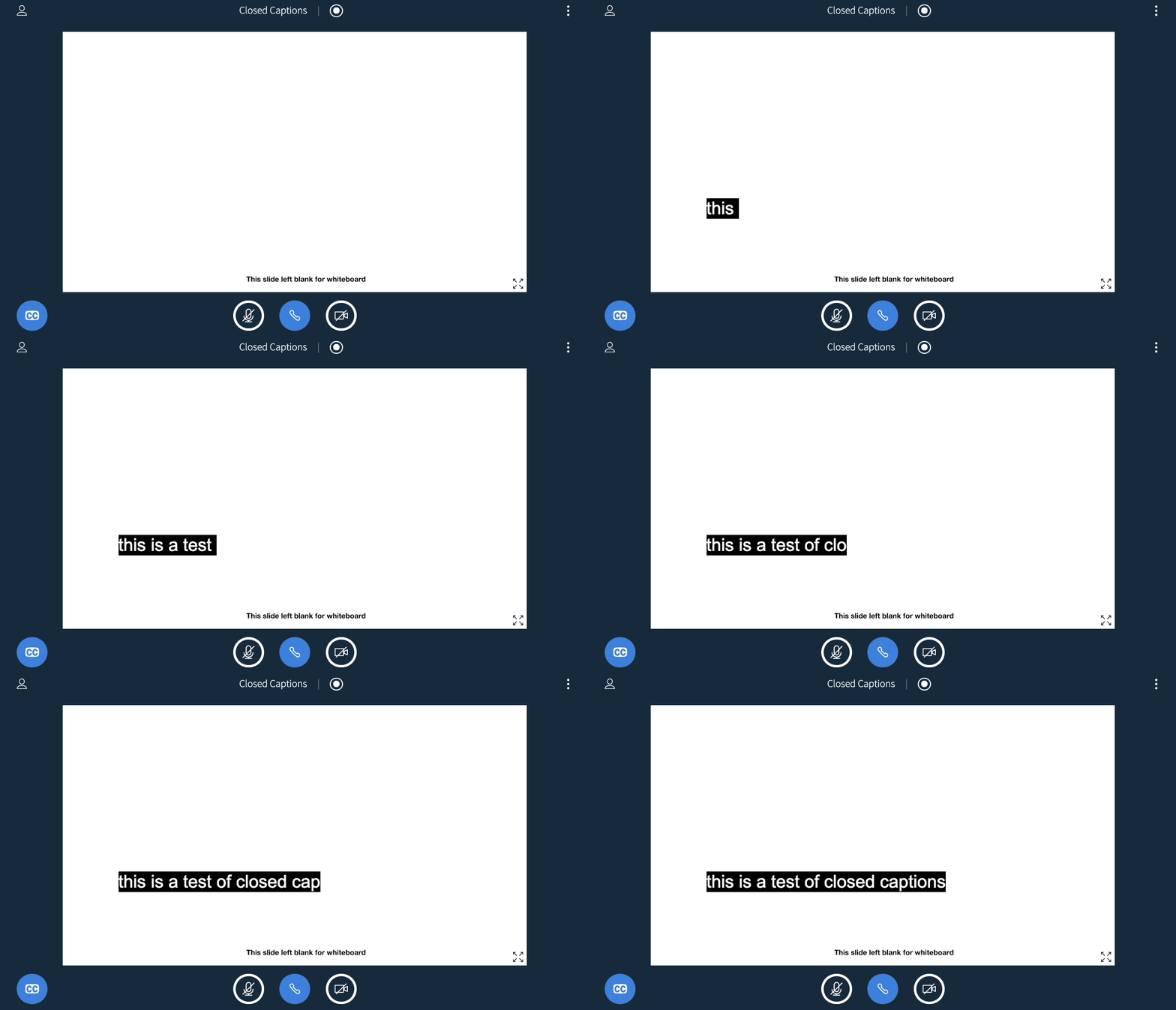
Automatic captions from your microphone
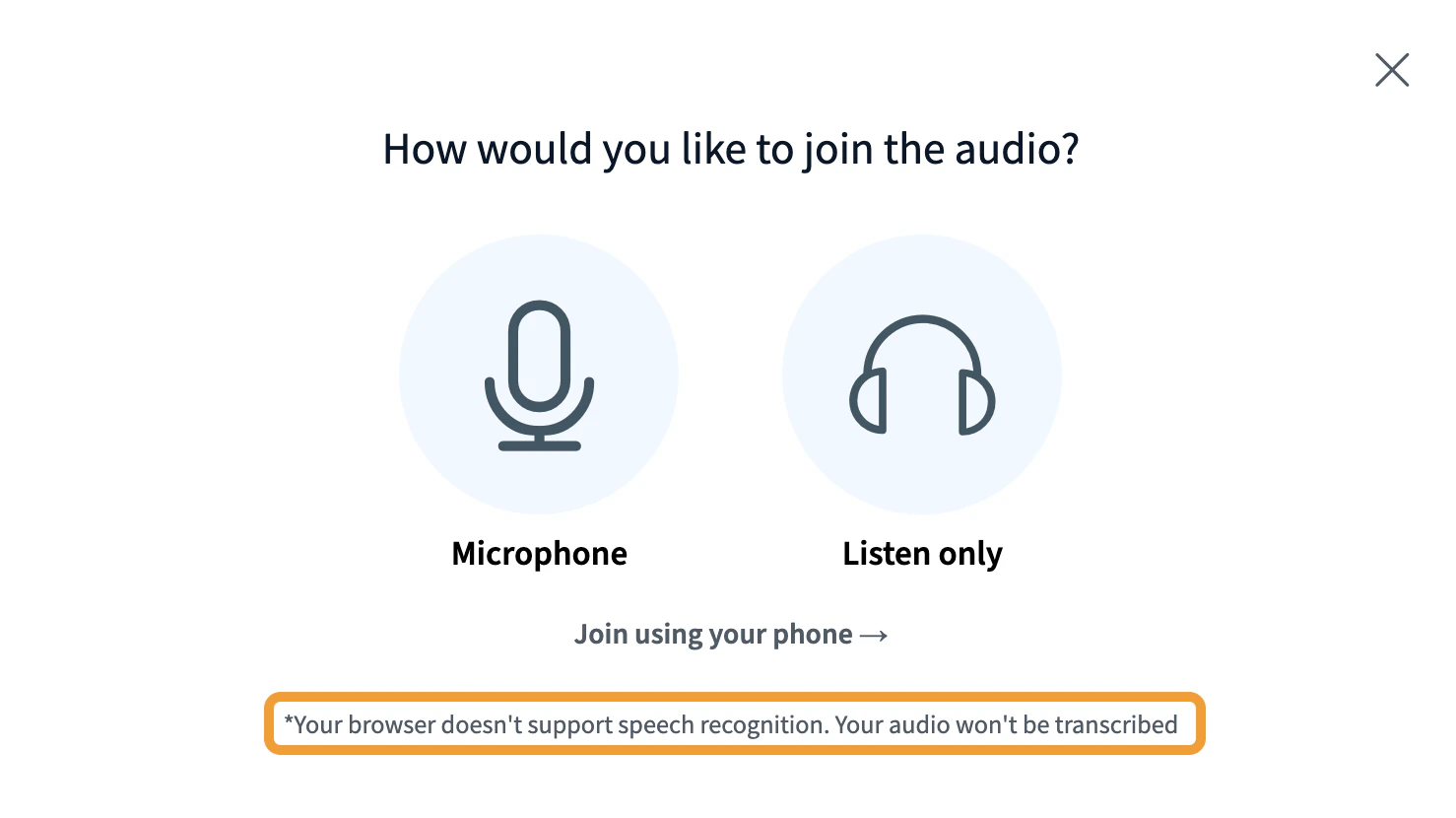
BigBlueButton supports per-user captioning using the browser’s WebSpeech API. When this feature is enabled, select your spoken language from the dropdown when joining audio to have your voice transcribed.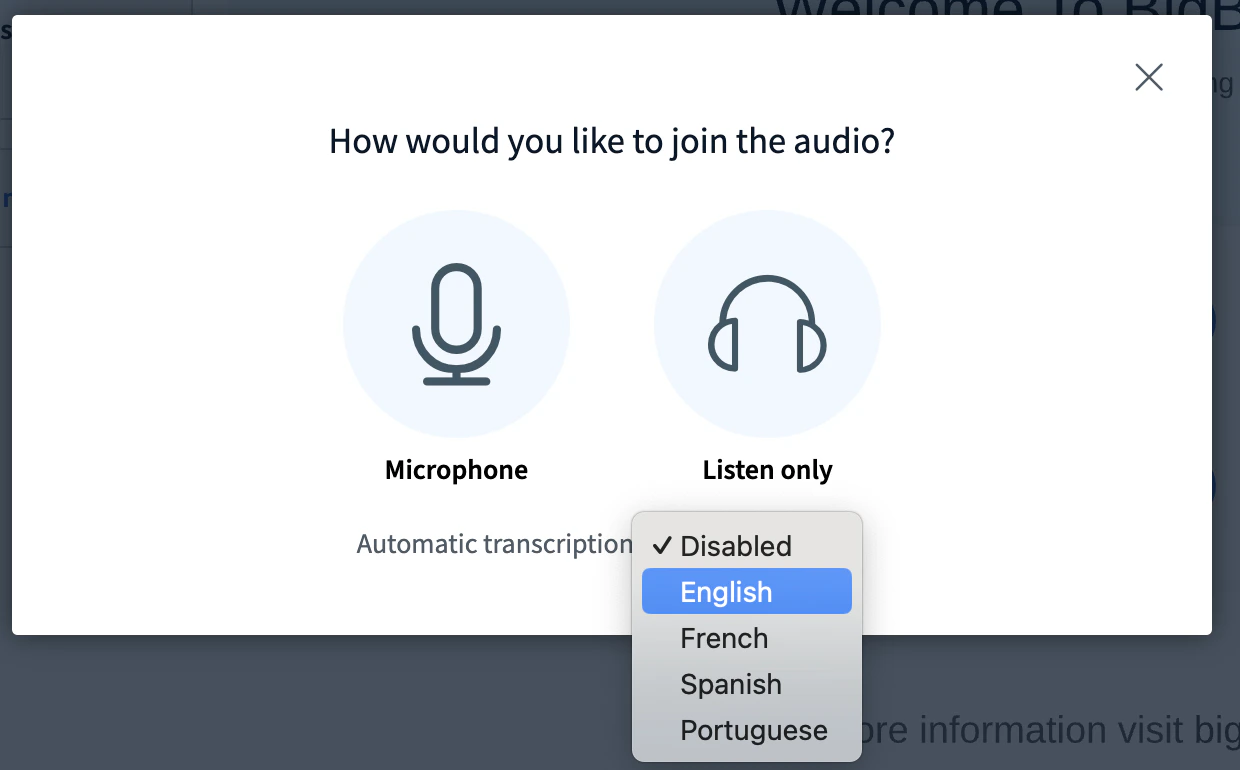

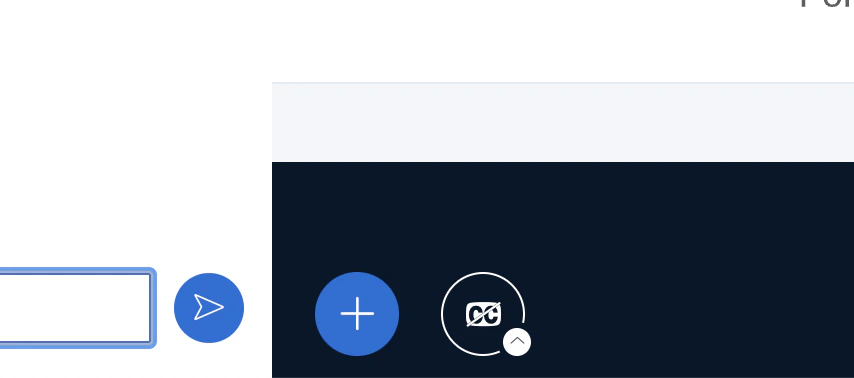
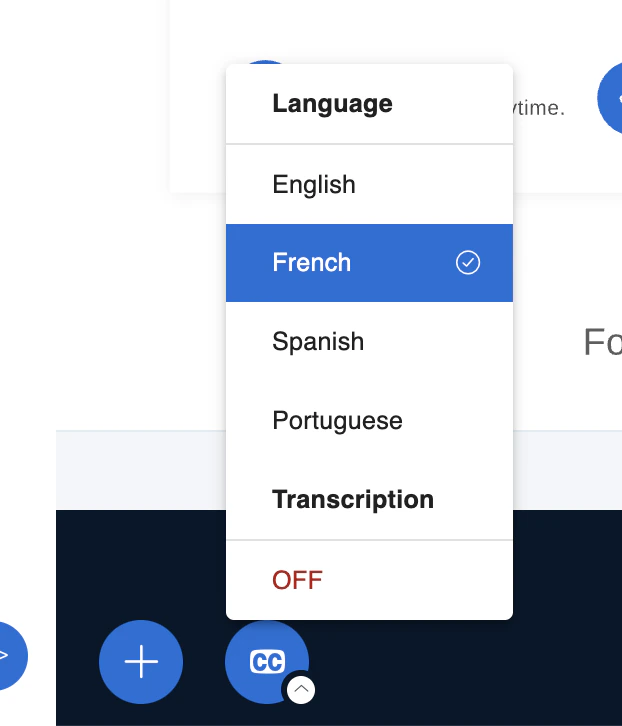
On mobile devices, the CC button is in the three-dot menu in the top-right corner.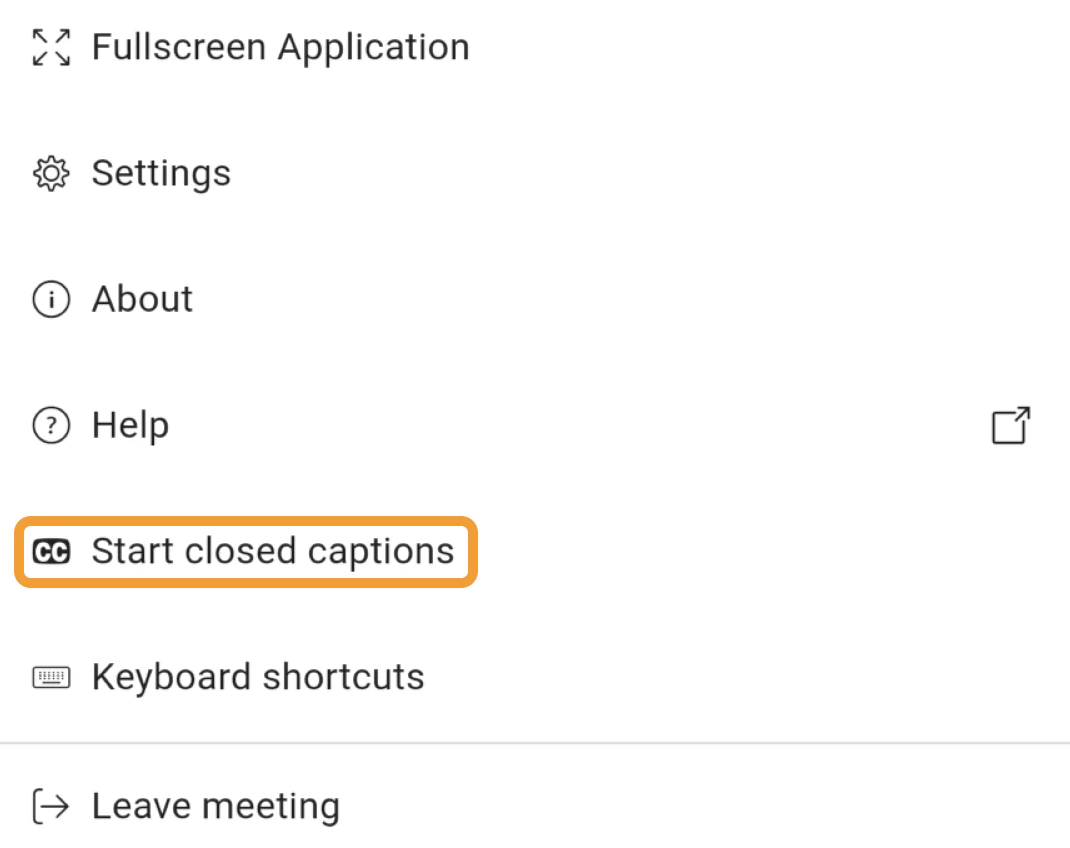
Automatic captions from your audio output
You can configure Chrome to caption all spoken audio coming through your speaker. See Google’s Live Caption blog post for setup instructions. These captions are generated by the browser, not BigBlueButton, and do not appear in recordings.Stenographer (legacy)
BigBlueButton also supports a live, human stenographer who creates captions in real time. Closed captions only appear when the stenographer has started transcribing — until then, no caption option is available.View stenographer captions